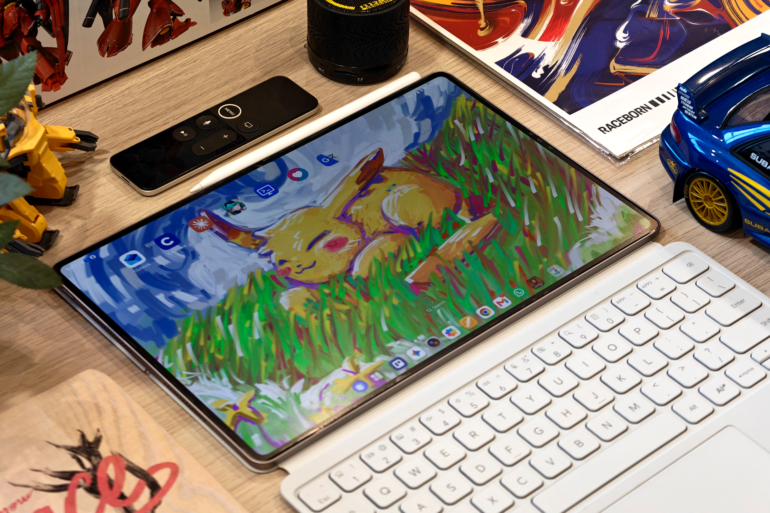
The MagicPad4, Honor’s latest 12.3” tablet that comes paired with a white keyboard and stylus, offers a very compelling challenge to the competition.
I’ve had the Honor MagicPad4 review unit for the past few months and honestly, I dread the day that I’ll have to return this to Honor. I like it so much it hurts (just a little).
First impressions
I have a confession: as a self-proclaimed tablet power user, I’m not easily impressed by any new tablet that isn’t called iPad Pro. This one did, and it did so right out of the box.
I had no prior knowledge of the Honor MagicPad when it landed on my desk, and I think that may have contributed to my complete surprise when I unboxed it. While it came impressively packaged with everything I’d need as a corporate slave (Honor MagicPad4 Smart Touch Keyboard) cum visual artist (Honor Magic Pencil 4s), there were three other things that left a mark.
One: it’s incredibly light. Two: it’s insanely thin. Three: it comes with OLED.
These three changed the way I used the Honor MagicPad4 in the succeeding weeks and have become my gold standard now for what I expect tablets to be in the future. Let me explain:
One: it’s incredibly light
My backpack is packed with a MacBook Pro, which is already heavy. The tablet being around 450g meant that, while it may add some weight, it’s light enough that I barely feel the difference in my bag. It’s always an internal debate whether I should bring my other tablets along with me in the morning. With the Honor MagicPad4, the answer is always yes.
This lightness was also a pleasant surprise, which changed how I play games on a tablet. I play a fair number of games lying down, holding the tablet up with a telescopic game controller, and the MagicPad4’s weight means it never feels like it’s one rumble away from dropping onto my face.
This is something that has unfortunately happened to me with my iPad in the same setup. That’s a small, slightly ridiculous thing to be grateful for, but if you’ve been hit in the face by your own tablet mid-game, you understand.
On that note, the Snapdragon 8 Gen 5 processor can power through Diablo Immortal and Neverness to Everness at high graphic settings with no hiccups.
Two: it’s insanely thin
Okay, at first, it felt like this was an actual flaw because the thin profile paired with thin bezels felt alien to my hands. I thought it was going to be an issue as I prefer having something to grip while I draw, but after a couple of hours adjusting how I held the tablet, it all felt natural to me. I can use it for hours at a time without getting weary.
This in turn allows me to focus on the task at hand, be it typing or sketching, for longer periods than I used to.
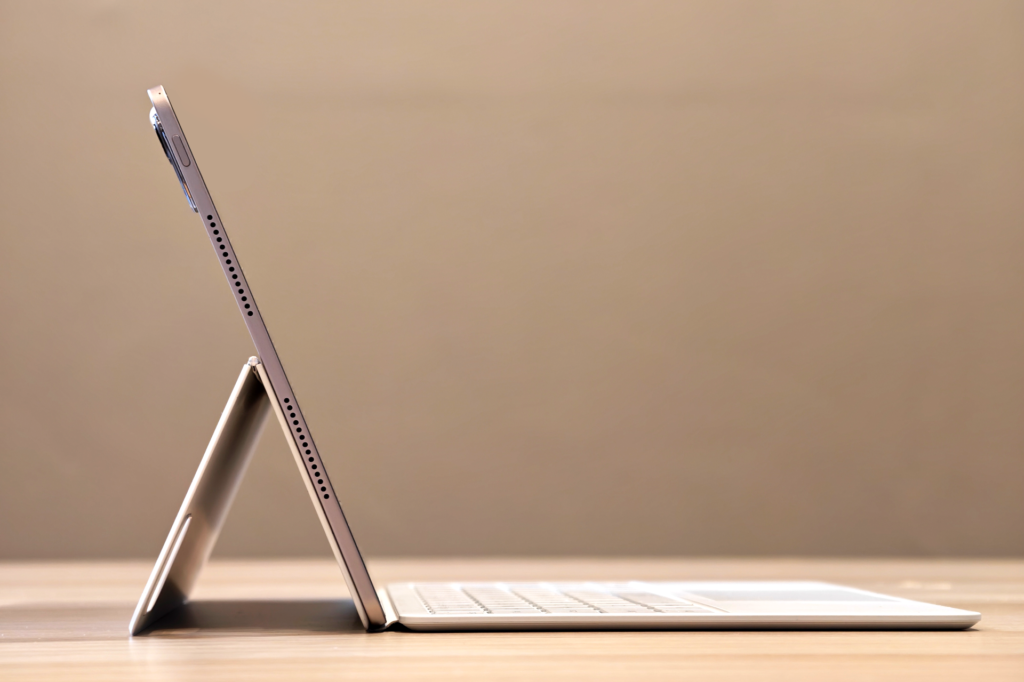
This is the first time I’ve been impressed with a tablet’s thinness. At 4.8mm, it’s thinner than the iPad Pro’s 5.1mm profile. While a 0.3mm difference may not sound like a lot, I can honestly say that I felt the difference this time around and it was good. I usually use cases on my tablets, but the Honor MagicPad4 demands to be used as it is.
Three: oh, that OLED goodness
OLED screen. Rich blacks. Vibrant colours. IMAX Enhanced. In this economy? Surprisingly affordable.
At a similar price, you can get a new iPad Air instead and you’ll be happy with it. But I can confidently say that the Honor MagicPad4 is the better alternative because the OLED screen just elevates the experience to a whole different level.
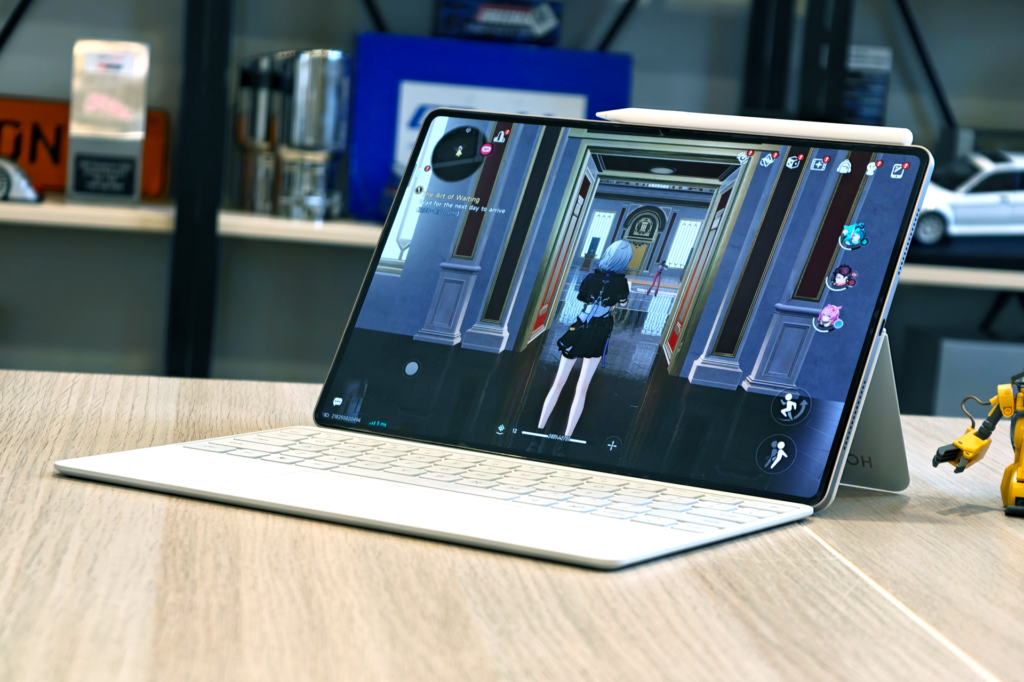
This is so much better for media consumption as the colours really pop out while watching shows. Movies like The Godfather, The Lord of the Rings, and Tron looked so good on the 12.3” screen. Any Makoto Shinkai movie also demands a rewatch on OLED, and the MagicPad4 delivers. It also makes gaming much, much more enjoyable.
It’s kind of hard to find a tablet with an OLED at this price point. There’s the Samsung Galaxy Tab S11 (AMOLED), but that’s a smaller 11” screen and ~$100 more expensive. It also comes with only an S Pen, while the MagicPad4 comes with a pen and a keyboard. You can opt for the iPad Pro’s Tandem OLED, but the cost of that is quite high.
These three factors combined already make the Honor MagicPad4 a winner in terms of hardware. But as a person who does a lot of digital illustration, there’s still the concern about software.
Android vs iPadOS
Everyone’s an artist until they must pay nearly $2,000 for an iPad Pro.
Jokes aside, the only thing that’s been keeping me from moving on from Apple’s walled garden is the iOS/iPadOS exclusive Procreate. I have everything I need in that app to create my illustrations, and it’s so easy to use that for years I’ve refused to use any other illustration apps.
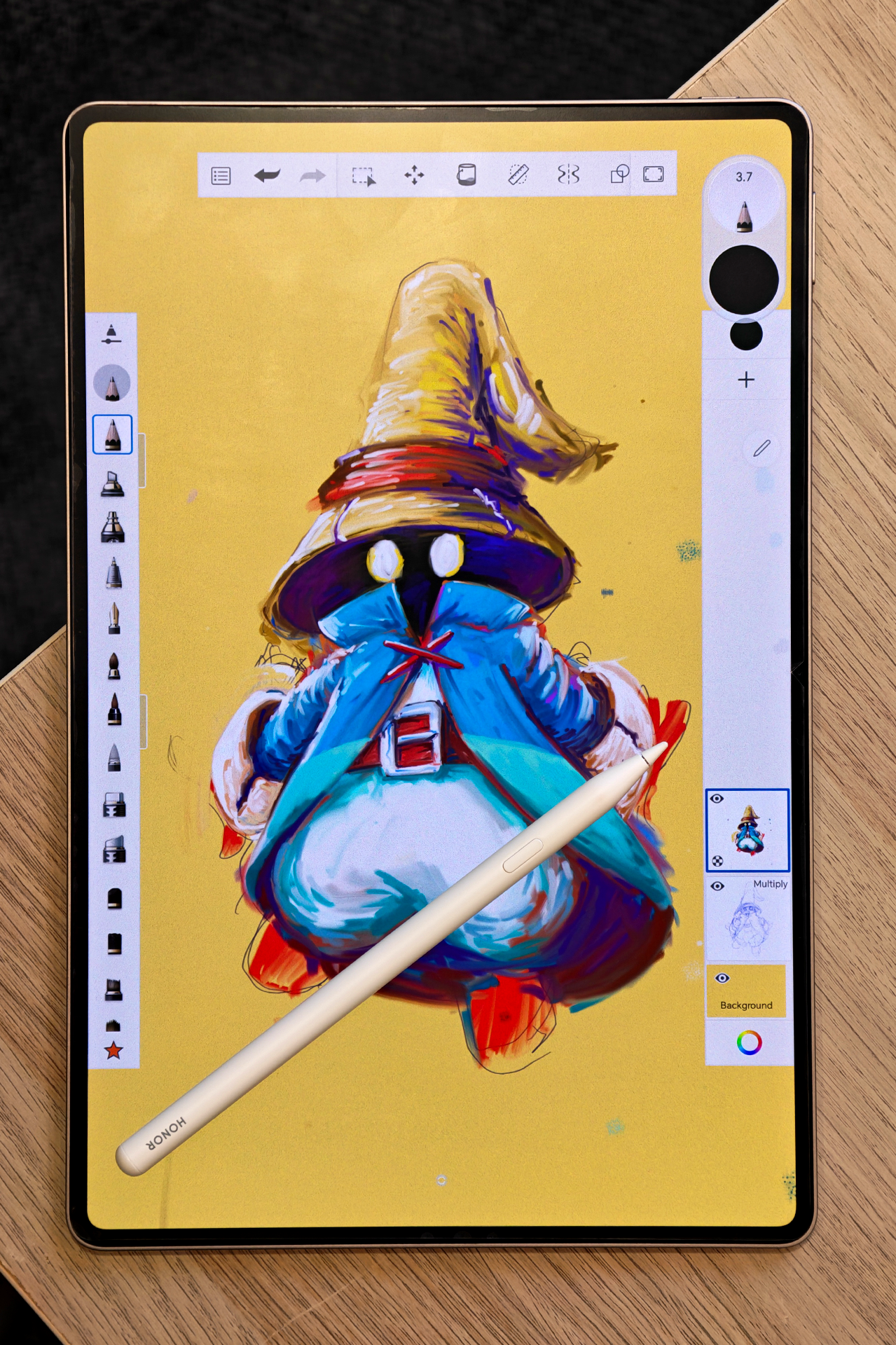
Quite a few Android apps have now adopted what worked with Procreate and are offering very similar UX. While I still prefer the Apple exclusive, these other illustration apps are quite capable and have made the transition less painful.
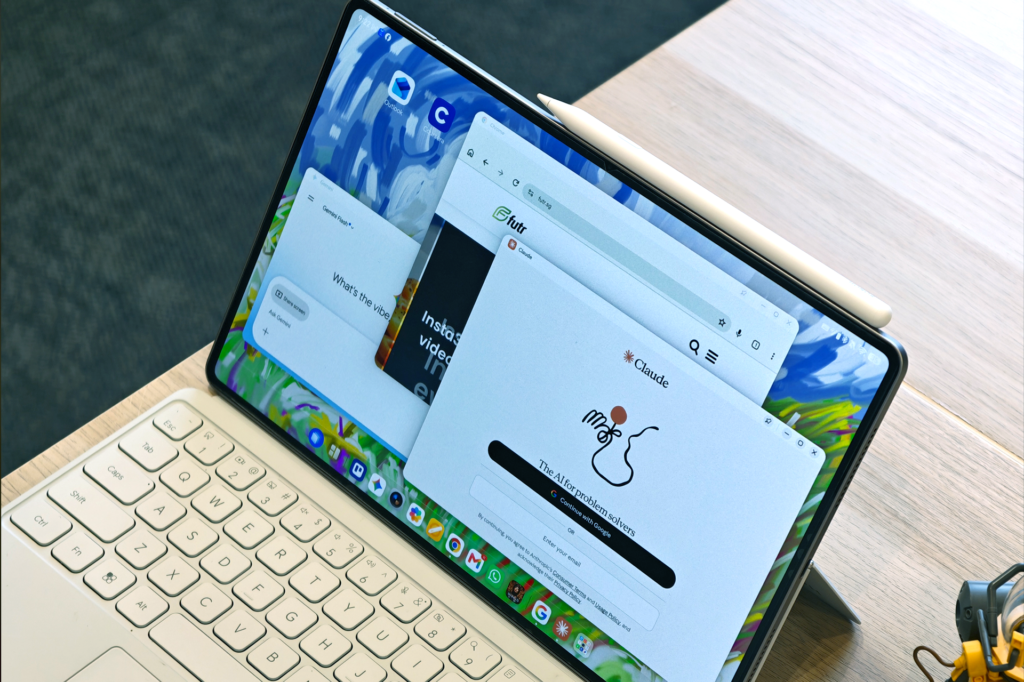
Other iPad productivity apps can easily be replaced with Google Workspace apps which, thankfully, have better AI integration because of Gemini. There’s also Honor AI available if you’re into that.
The Honor MagicPad4’s very own “one more thing”
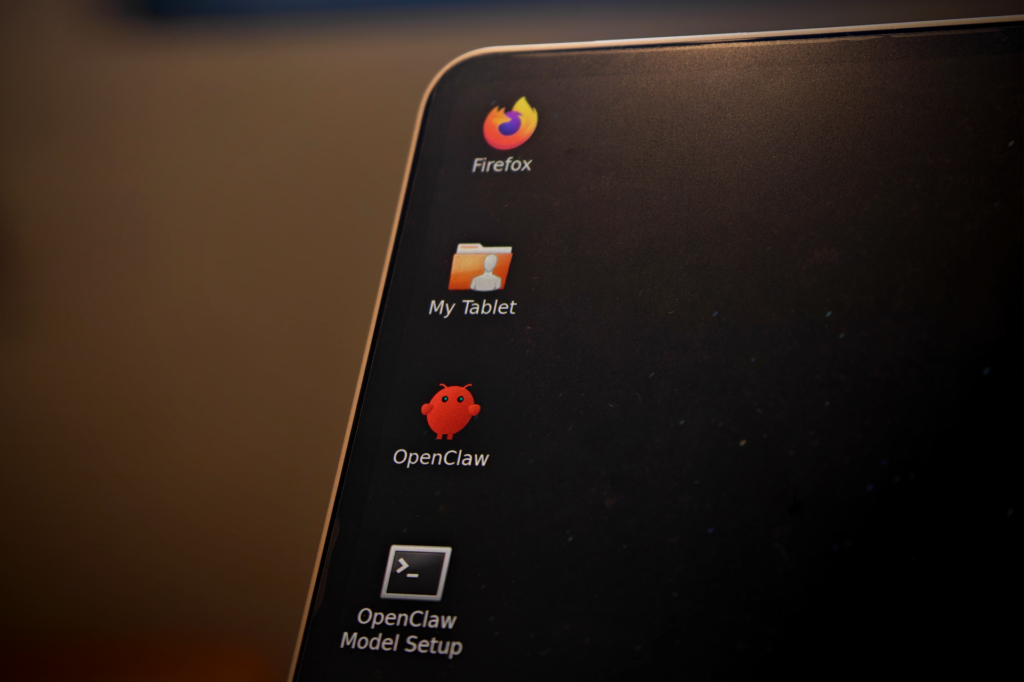
Dual OS with Android and Linux installed right out of the box. Linux opens so many possibilities with AI and various desktop-level tools… for those who know how to use it. I’m not going to pretend I’m an expert in this because I’m not. Still, it’s nice to have in case a situation comes where I’ll need it.
Two more things:
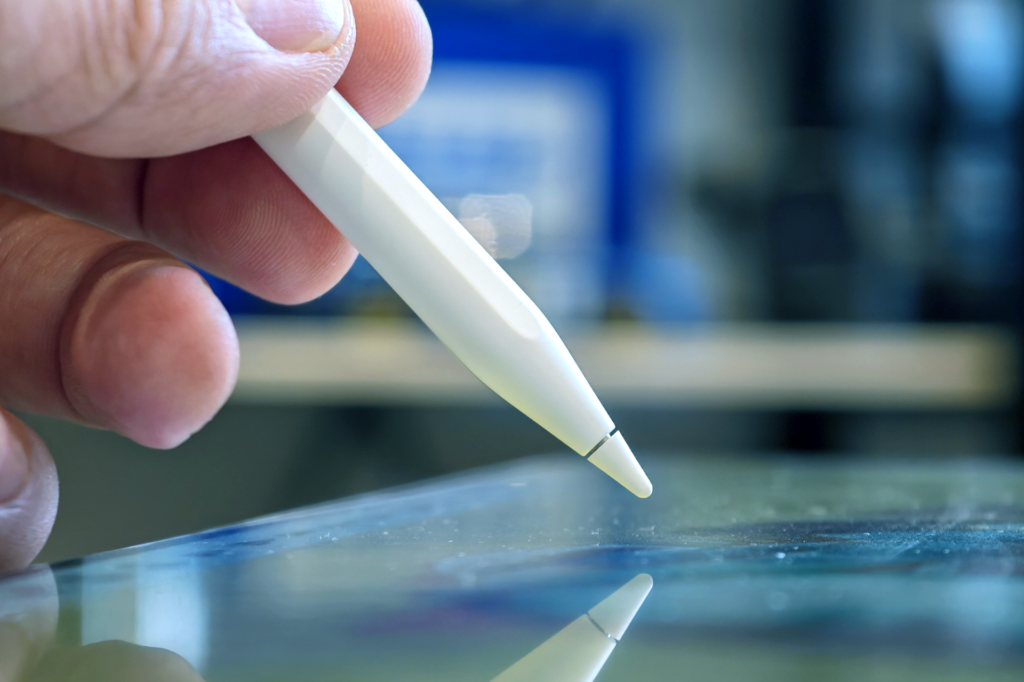
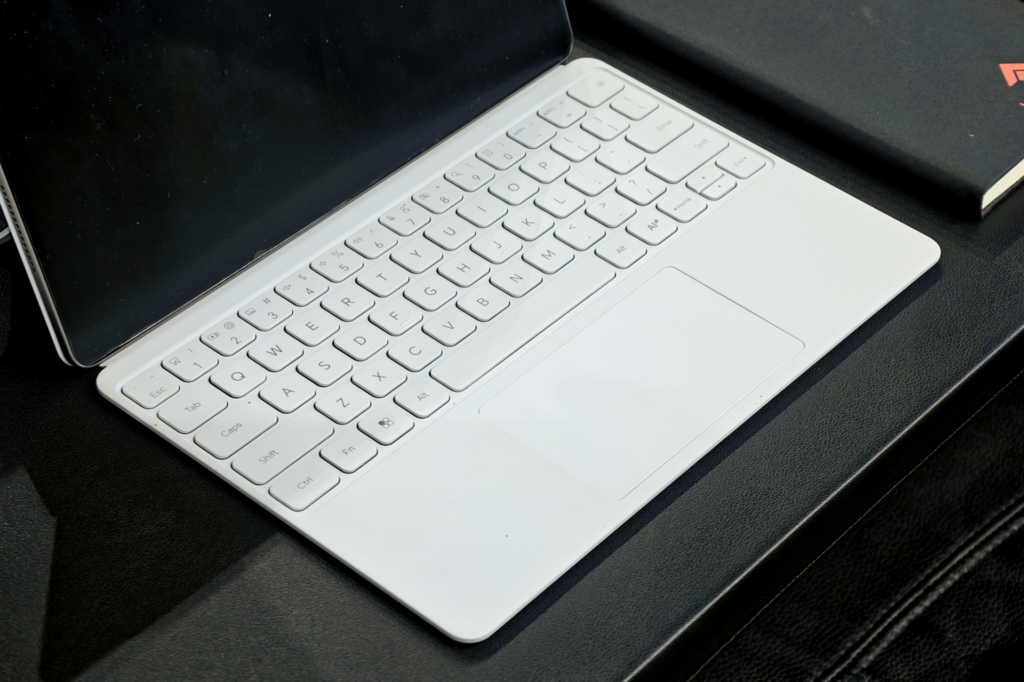
The Honor MagicPad4 comes with an Honor Magic Pencil 4s and an Honor MagicPad4s Smart Touch Keyboard. Nothing much to say about these two except that they perform as advertised, has a premium feel to them, and they’re both white.
That last part about the colour may be an issue in the long run as white tends to get dirty very easily. I had to wipe off a fair number of stains from its base after each remote work session in random coffee shops around the island.
Final thoughts
I found it hard to identify any real faults with the tablet during my time with it. This is, of course, an experience limited to my use case: media consumption, gaming, Google Workspace productivity, and digital illustration.
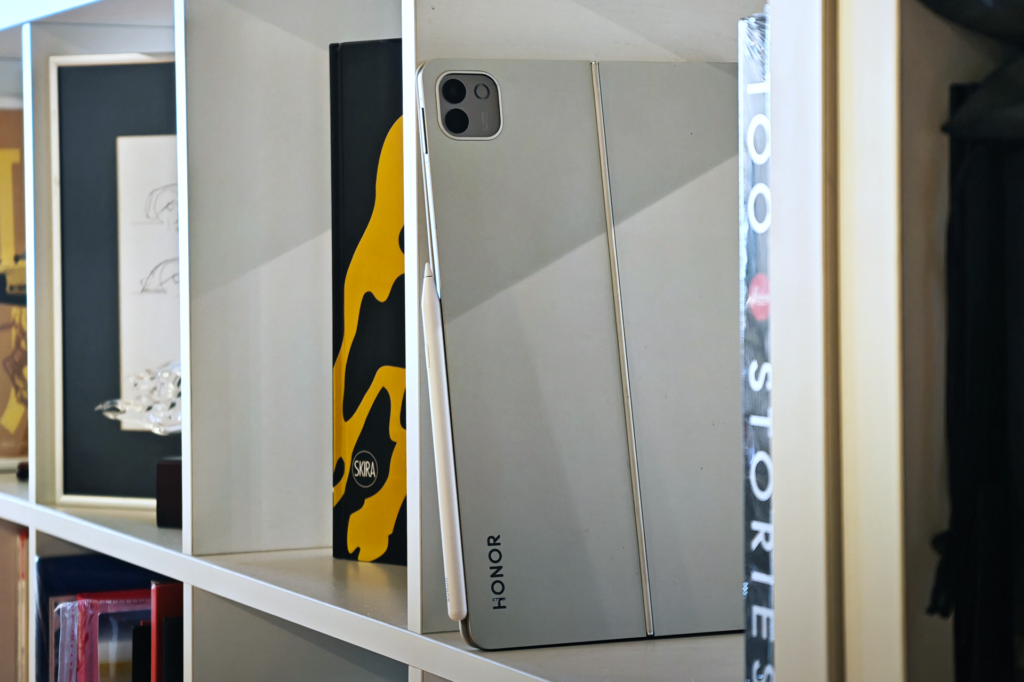
The OLED screen alone would justify the price, and throwing in the keyboard and pen for free makes the value proposition hard to beat. The keyboard especially punches above its “free” tag. Performance is confident and consistent, even under genuinely heavy gaming loads.
Its record-setting thinness takes a short adjustment period to get used to, but once it clicks, it’s the reason I can now sketch, type, and game on this tablet for far longer than I ever could on any tablet before it.
Should you buy it if you’re in the market for a big, reliable tablet? If your needs match mine, then this is an easy recommendation. It’s arguably one of the best tablets you can buy as of this writing.
Liked this? Check out more articles on Futr tech here.