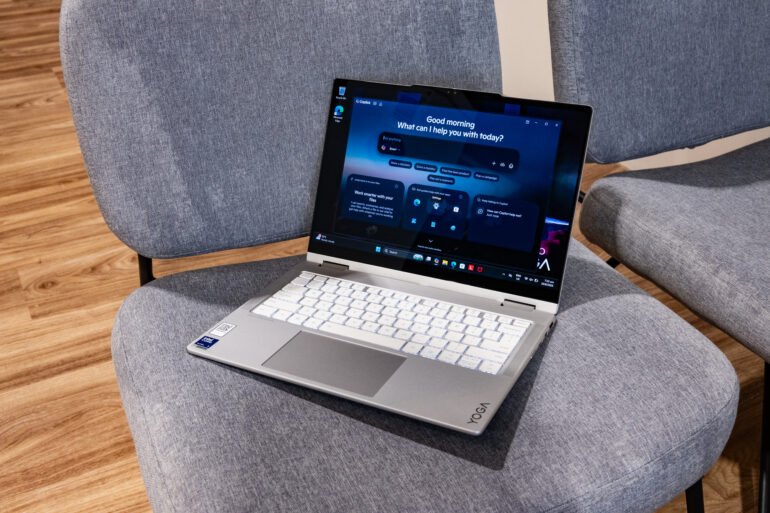
Lenovo’s latest Yoga 7i 2-in-1 Aura Edition aims to be the one you can rely on for almost everything: work, study, entertainment, light creative tasks and even a spot of gaming.
Memory prices are rising, electronics are becoming more expensive, and sustainability is increasingly becoming part of the purchasing conversation. Against that backdrop, buying one machine that can perform several jobs rather than three devices that each perform one suddenly starts to make quite a lot of sense.
Need something for spreadsheets in the morning? Fine.
A tablet for scribbling notes in the afternoon? Certainly.
A screen for Netflix after work? Flip it around.
And perhaps a quick game before bed? Well, within reason.
That is essentially the pitch behind the Lenovo Yoga 7i 2-in-1 Aura Edition (2026). It combines the familiar versatility of a 360-degree convertible with Intel’s latest Core Ultra hardware, a 14-inch OLED touchscreen and enough processing muscle to tackle most everyday workloads without turning itself into a portable furnace.
Design: More handsome than flamboyant
Lenovo has decades of experience building sensible corporate laptops, but its consumer machines have become increasingly polished in recent years.
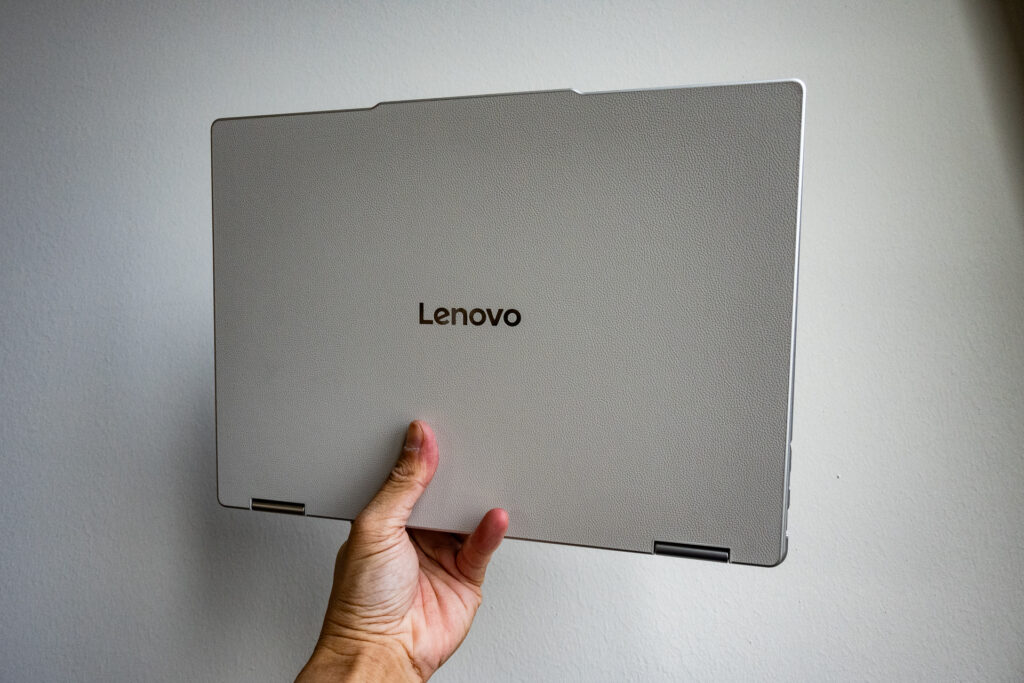
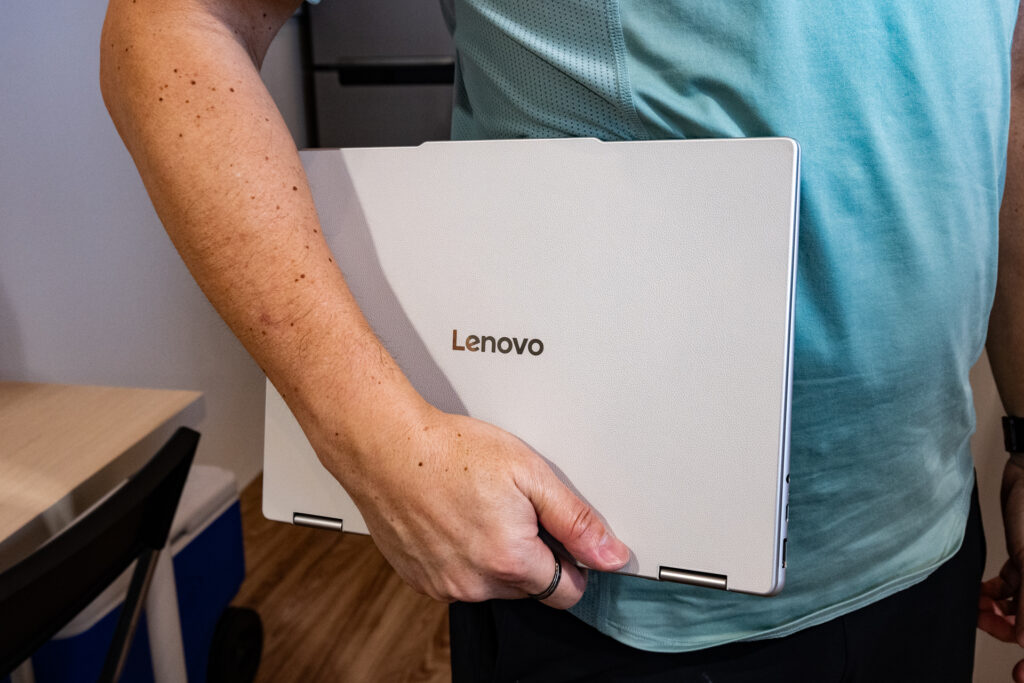
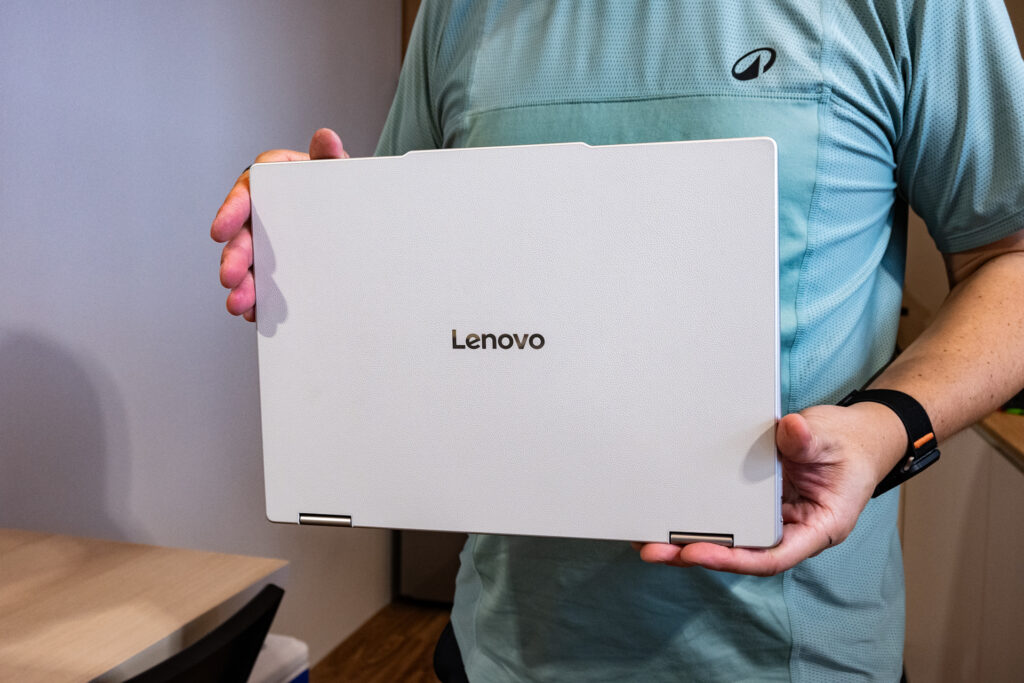
Rather than trying to make every detail shout for attention, Lenovo has given the machine a restrained, almost furniture-like character. The review unit arrives in a Seashell finish, combining a pale cream upper lid with a subtle faux-leather texture and a darker gunmetal-coloured metal chassis underneath.
It works rather well. The textured lid gives the laptop some visual personality while also making it easier to grip, and it does a respectable job of resisting fingerprints. Anyone who has owned a dark aluminium laptop will know that some machines begin collecting fingerprints before you have even finished removing the protective film.
Build quality is reassuring too. There is little flex when pressure is applied to the lid, and the chassis feels appropriately solid. At around 1.38kg, the Yoga 7i is not especially light for a 14-inch laptop, particularly compared with magnesium-bodied ultraportables. It is also slightly chunky by current premium-laptop standards. But, it remains light enough to throw into a backpack without immediately reconsidering your decision.
The hinge is the whole point
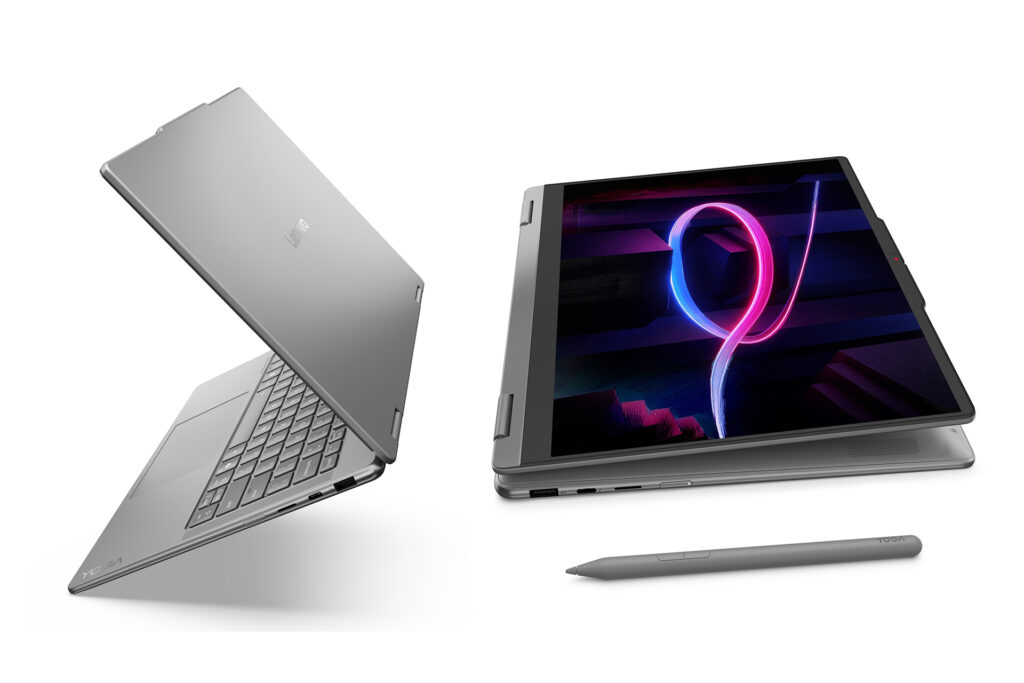
Naturally, the defining feature is the 360-degree hinge. The Lenovo Yoga 7i 2-in-1 can operate as a conventional laptop, fold into a tent-like display position for watching videos, or fold completely flat into tablet mode.
The hinges on the review unit initially felt somewhat stiff, meaning two hands were usually necessary to open the machine or reposition it. This to me is a good thing though, as when placed in tent mode or folded completely backwards, the display remained firmly positioned without wobbling unnecessarily.
A proper selection of ports
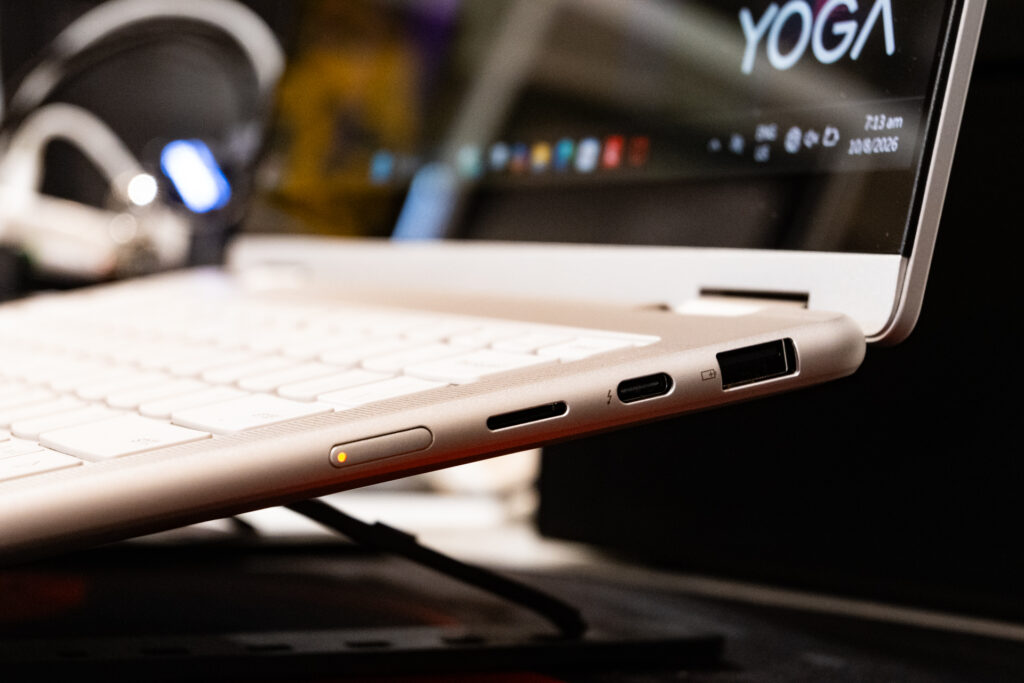
Many modern ultraportables appear to have entered into an ideological war against physical ports. The Yoga 7i has thankfully resisted joining the movement.
There are two Thunderbolt 4 ports, one on either side, supporting USB Power Delivery 3.0 and DisplayPort 2.1. You also get HDMI 1.4b, a USB-A 3.1 Gen 1 port with Always On charging, a 3.5mm audio jack and, most usefully for photographers and creators, a microSD card reader.
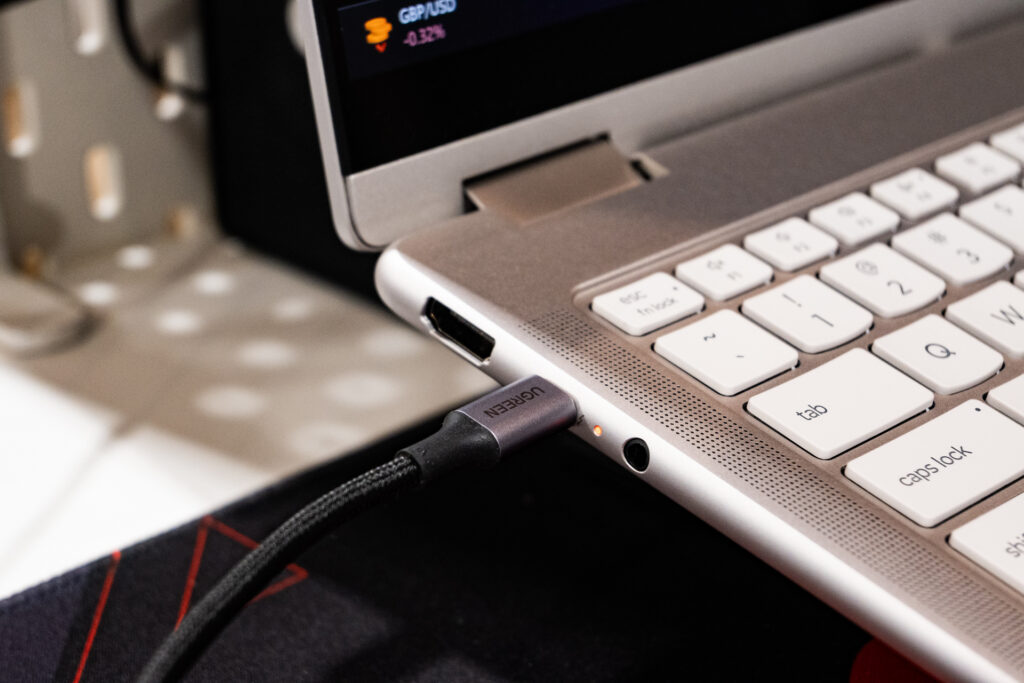
The power button sits along the right edge rather than on the keyboard deck. That makes sense on a convertible because it remains accessible even when the Yoga is folded into tablet mode.
There is no fingerprint reader, unfortunately, though Windows Hello facial recognition is supported through the 5MP webcam and infrared sensor above the display.
Display: OLED remains difficult to beat
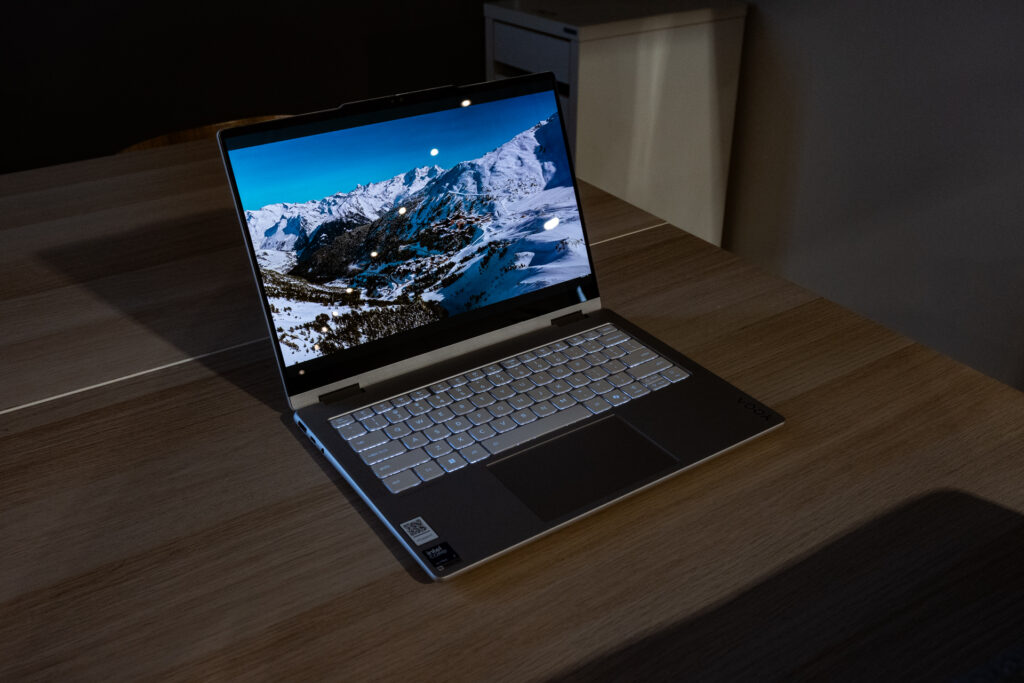
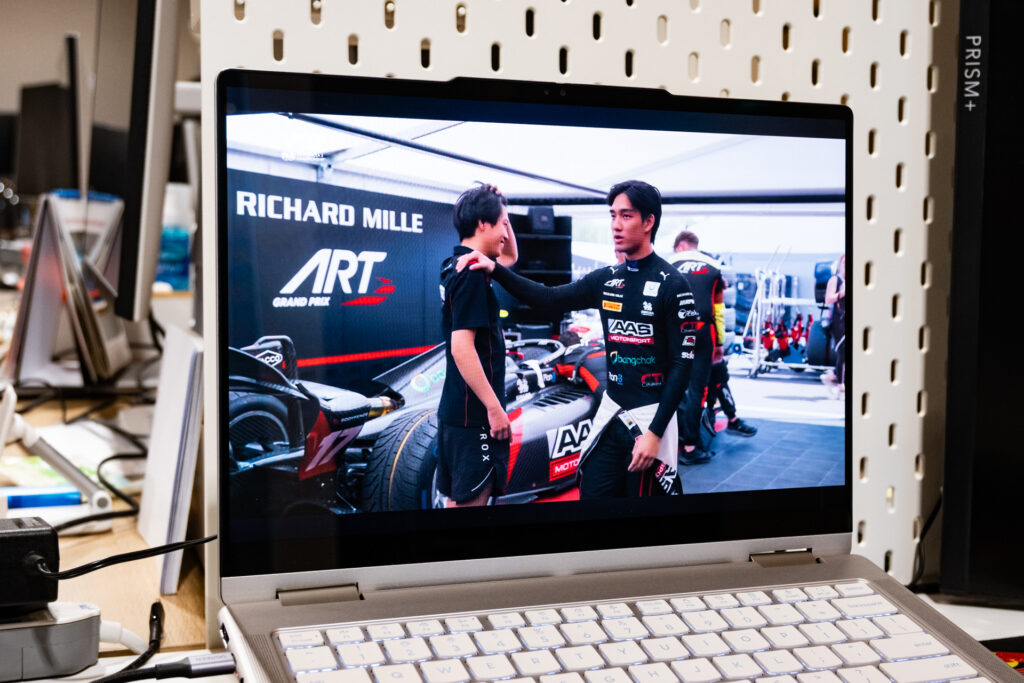
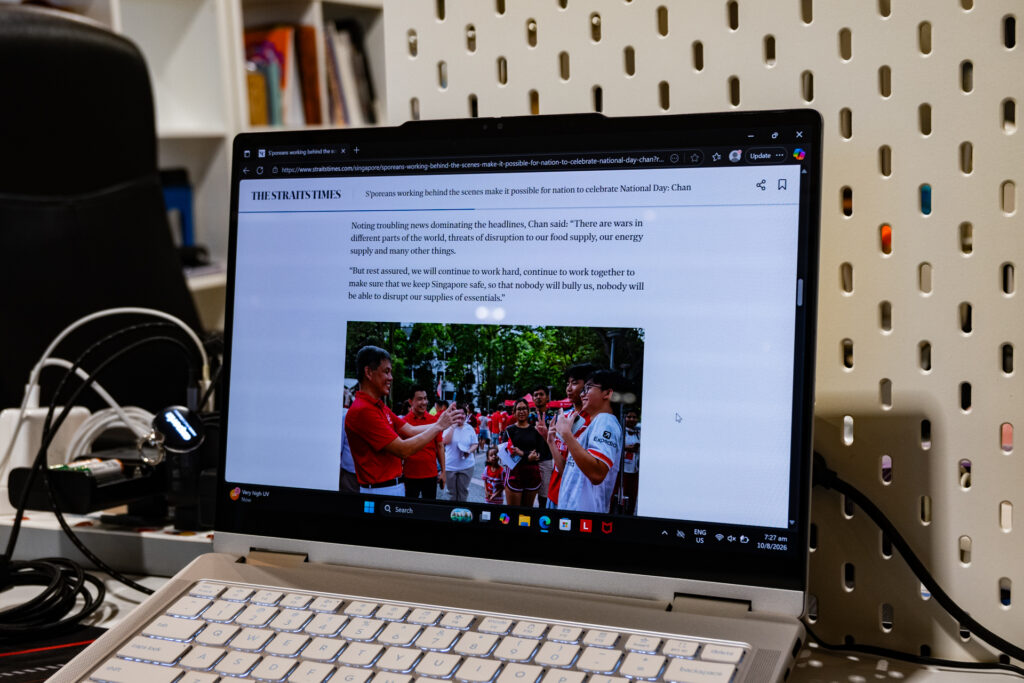
The review unit features a 14-inch WUXGA OLED touchscreen with a 16:10 aspect ratio. It also covers 100 per cent of the DCI-P3 colour gamut, supports DisplayHDR True Black 500 and Dolby Vision, making it particularly appealing for media consumption and creative work.
Blacks have the depth expected of OLED, while colours are rich without looking cartoonishly oversaturated. Photographs look vibrant, video content has plenty of contrast, and dark scenes retain the sort of detail that conventional LCD panels often struggle to reproduce.
For anyone editing photographs or video, the wide colour coverage is particularly useful. And for everyone else? Netflix looks very nice.
The limitation is refresh rate. The panel is capped at 60Hz, which is perfectly adequate for productivity, video and general computing but less impressive for anyone accustomed to modern 90Hz or 120Hz screens.
Gamers in particular will want something faster. Then again, this was never designed to be an esports machine.
Performance: sensible rather than sensational
The review unit is powered by an Intel Core Ultra 5 226V processor. It combines four Lion Cove performance cores with four Skymont efficiency cores, attempting to balance responsiveness with power efficiency.
The processor is paired with 16GB of LPDDR5X memory, Intel Arc 130V integrated graphics and an NPU capable of up to 40 TOPS of AI processing. That qualifies the laptop for Microsoft’s Copilot+ requirements and provides the hardware necessary for locally accelerated AI functions. Connectivity is equally modern, with Wi-Fi 7 and Bluetooth 5.4.
In everyday use, the Yoga 7i feels appropriately quick. Web browsing, office applications, large spreadsheets and multitasking present little difficulty. Light photo and video editing are well within its comfort zone too.
Lenovo’s Vantage application allows users to adjust power behaviour through several profiles. Even under heavier workloads, however, the Yoga remained relatively civilised. Fan noise was modest and the keyboard stayed comfortably cool enough for lap use.
Audio: better than it has any right to be
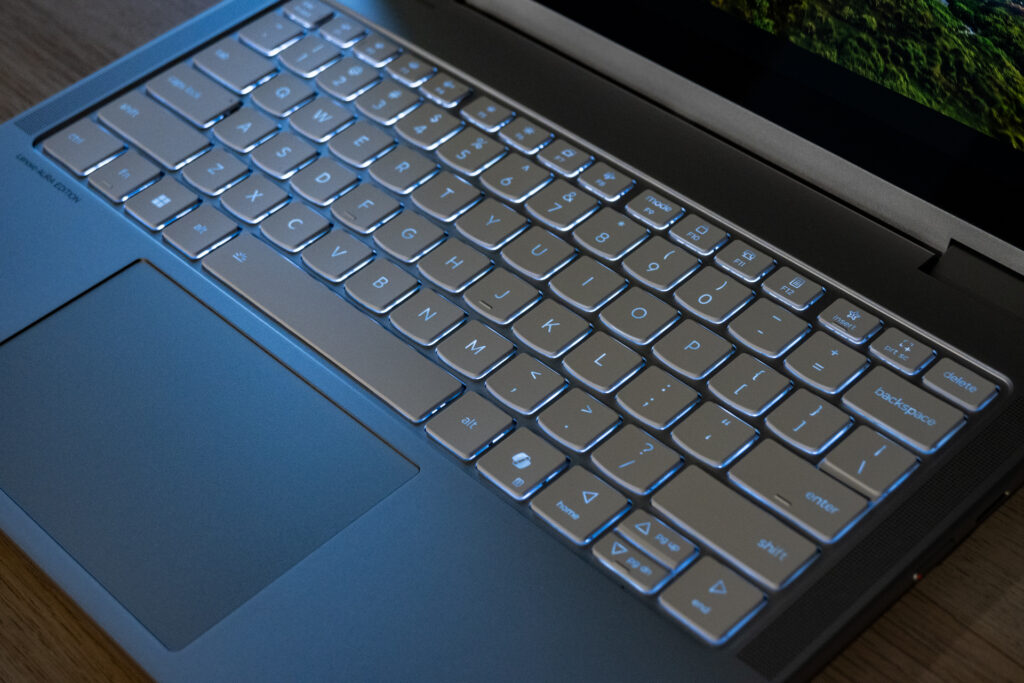
The Lenovo Yoga 7i 2-in-1 combines two upward-firing tweeters alongside the keyboard with two downward-firing woofers beneath the chassis. Dolby Atmos processing ties the whole arrangement together.
The result is one of the better speaker systems you will find in this class. There is reasonable stereo separation, voices remain clear, and the woofers provide enough low-frequency substance to prevent music from sounding thin.
Place the Yoga in tent mode and the speakers, OLED panel and compact footprint combine to make it an excellent little bedside or hotel-room entertainment system.
Battery life: comfortably through the working day
A 70Wh battery sits inside the Yoga 7i. Under a typical productivity workload involving Wi-Fi, 50 per cent display brightness, spreadsheets, document editing, browsing and some YouTube playback, the machine comfortably lasted an entire working day.
Combined with Intel’s more efficient processor design, the Yoga gives you the freedom to leave the charger in your bag for much of the day.
Webcam and meetings: properly equipped for hybrid work
The 5MP webcam sits above the display alongside the infrared sensors required for Windows Hello. It supports 1080p video and includes a privacy shutter.
You can open the laptop, Windows Hello recognises you, and you are immediately ready for a Teams or Zoom meeting without dealing with passwords or a webcam that resembles CCTV footage from 2009.
There is no fingerprint reader, but facial recognition is quick enough that its absence is rarely troublesome.
Upgradability: do not expect miracles
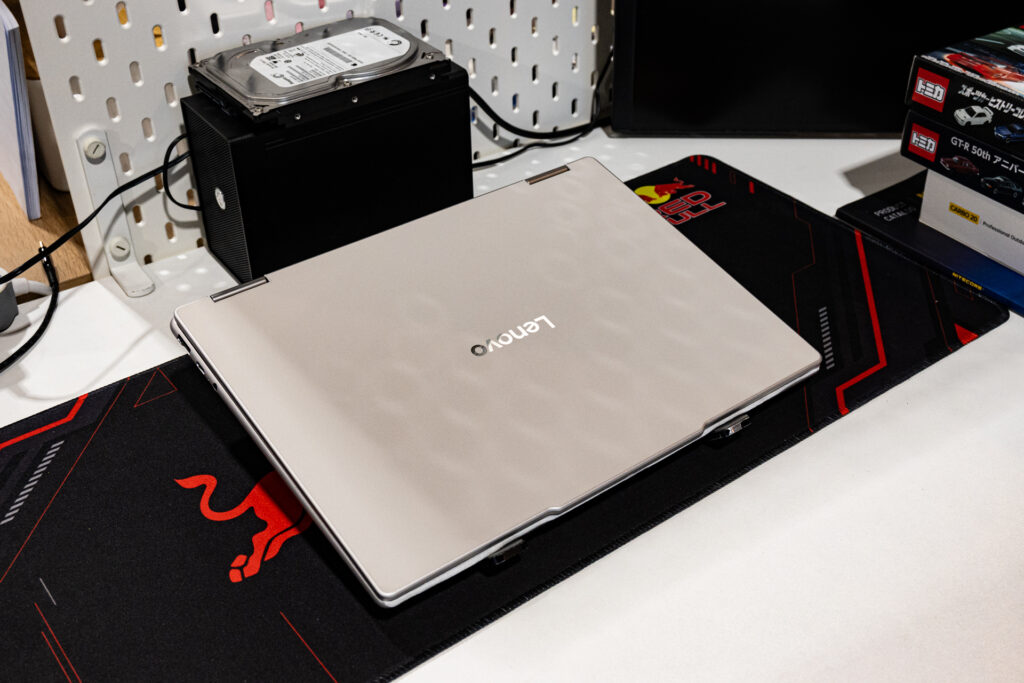
The underside of the Yoga is held in place by screws and several plastic clips. It can be opened, but there is not much reason for the average owner to do so.
Storage consists of a single M.2 2242 SSD slot, while memory is integrated and therefore not realistically user-upgradeable. The bottom panel is also somewhat fiddly to remove because of the plastic retention clips.
In other words, choose your configuration carefully when buying.
Who should buy it?
The Lenovo Yoga 7i 2-in-1 makes particular sense for students. One machine can handle lecture notes, assignments, presentations, media consumption and casual gaming without requiring a separate tablet.
It is equally appealing for hybrid workers who want a laptop for productivity during the day and something more flexible for presentations, travel and entertainment afterwards.
Creative users who mainly work on photographs, illustrations and relatively light video projects will appreciate the OLED display and included stylus. Even casual gamers receive considerably more capability than integrated graphics used to offer.
Where it makes less sense is for users who know they need maximum CPU or GPU performance. If your working day consists primarily of 4K video exports, 3D rendering or modern AAA games, there are better tools. But those tools are unlikely to fold into a tablet afterwards.
Taken as a whole, the Yoga 7i does what a good convertible should; it removes the need to decide what kind of computer you need before you leave the house.
Liked this? Check out more articles on Futr tech here.