

Available across Windows, macOS, mobile devices and the web, WPS Office brings together a suite of office tools within one ecosystem.
The modern workday has developed an unfortunate habit of scattering itself across too many applications. You might begin by drafting a document, open a separate AI chatbot to refine it, move to another programme to translate a paragraph, and then hunt for a presentation tool to turn the same material into slides.
By the time the work is complete, the process can feel like digital plate-spinning. WPS Office, a suite of apps designed for digital productivity, is trying to simplify that routine.
It isn’t entirely a new product, but what it brings to the table in 2026 is that artificial intelligence now sits directly within those existing workflows. Rather than forcing users to copy material into an external chatbot and shuttle the results back into their documents, WPS AI is designed to work where the content already lives.
The question, then, is straightforward: does placing AI inside an office suite genuinely make work easier, or does it simply add another row of buttons to an already crowded toolbar?
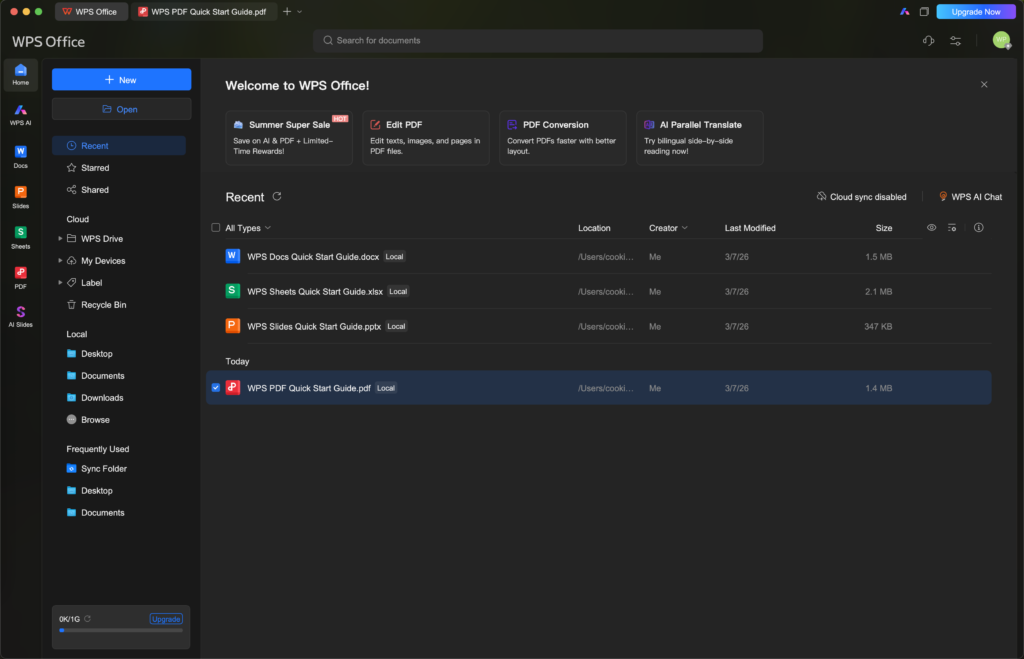
WPS Office will feel immediately familiar to anyone who has used a conventional productivity suite. Writer handles text documents, Presentation covers slide decks, Spreadsheets manages data, and the integrated PDF tools allow users to read, edit, convert and work with documents without opening a separate programme.
The suite is aimed at a broad audience, ranging from students preparing assignments to professionals drafting proposals and analysing data. Its interface and file support are built around established office habits, which lowers the barrier for people moving over from another platform.
WPS AI
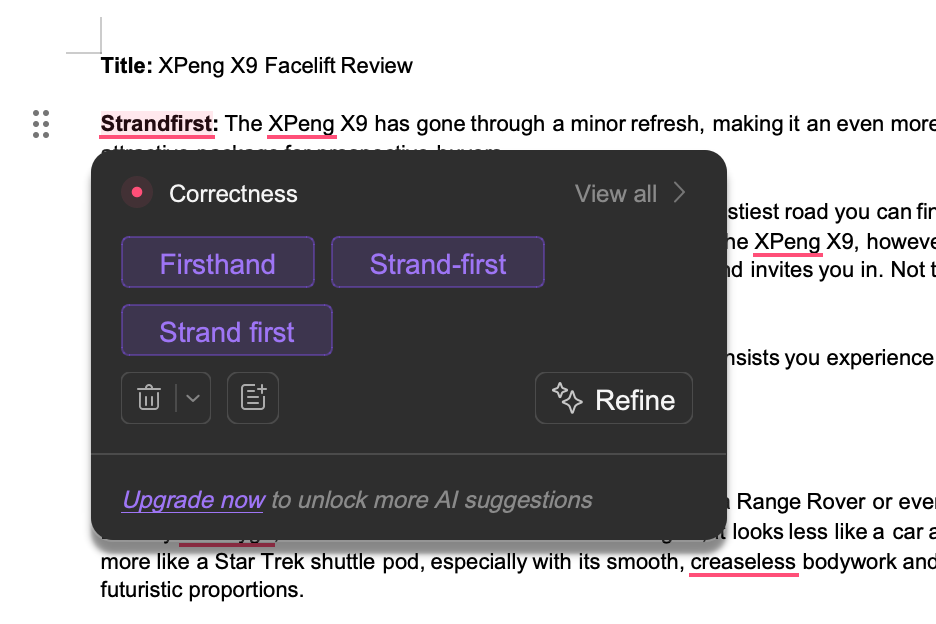
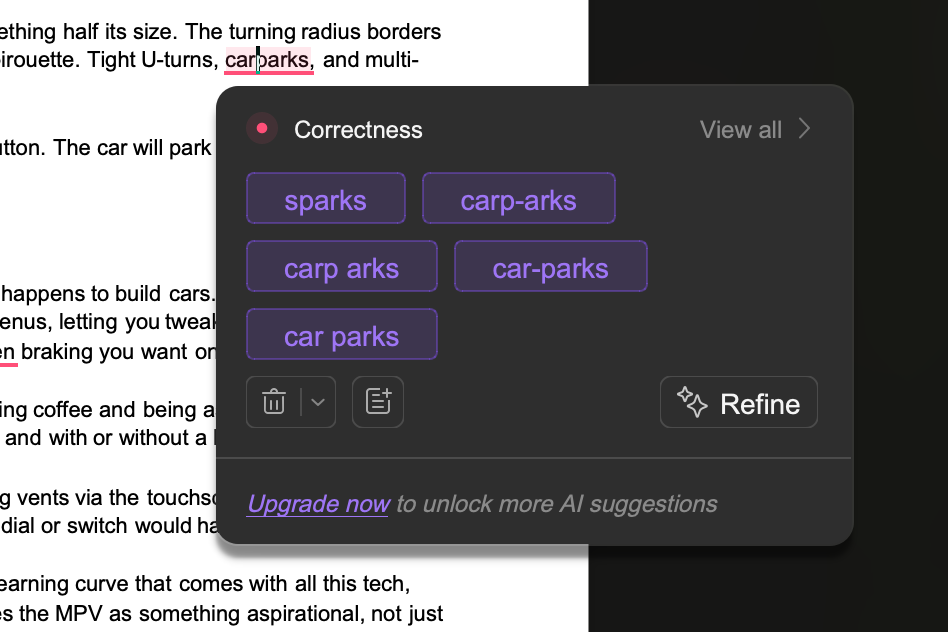
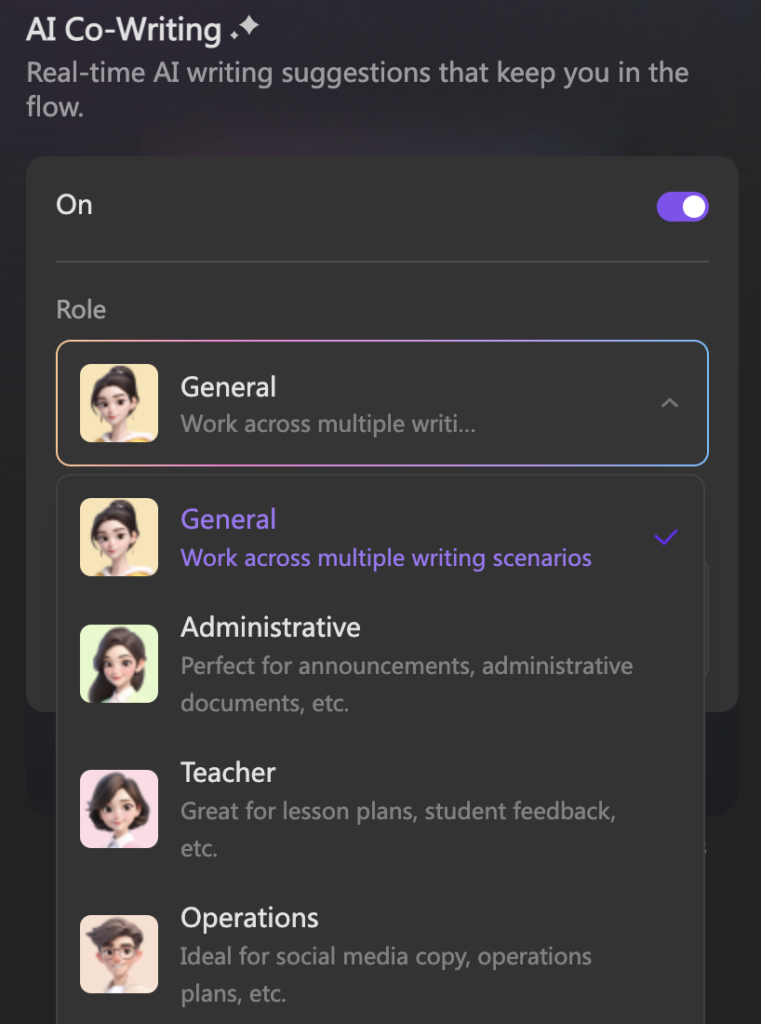
Its AI software, dubbed WPS AI, is integrated into these existing tools, and aims to make life easier by offering a digital hand.
Within Writer, users can draft, rewrite, summarise, adjust tone and proofread content without leaving the document. This can be useful when tightening a report, simplifying a dense paragraph or turning a rough collection of thoughts into something more coherent.
The proofreading tools also go beyond basic spelling correction. WPS AI can assess grammar, clarity and context, while optical character recognition allows text to be extracted from scanned materials and brought into an editable workflow.
Generate Presentation Slides
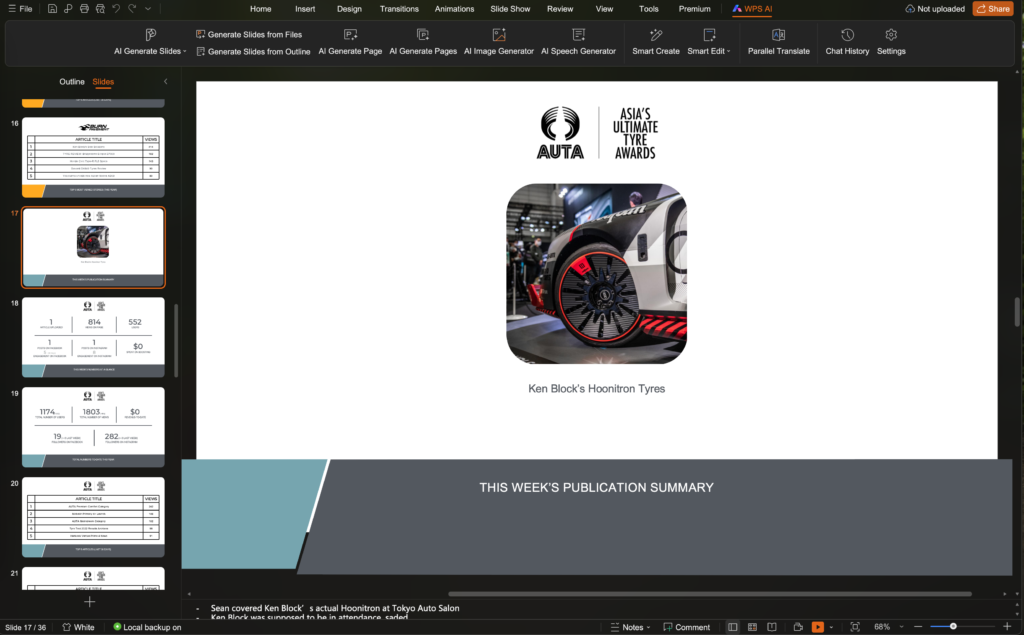
AI Slides shows one of the more immediately practical features. Users can begin with a text prompt and ask WPS Office to produce a complete presentation, including the initial structure, written content and visual layout. The software then applies formatting and organises the information into a deck that can be edited further.
For anyone who has stared at a blank slide while wondering whether the title should be 32 or 36 points, this is likely to feel appealing.

You cannot expect the generated presentation to be perfect. Rather, it removes the blank page and provides a usable starting point.
Structure is often the slowest part of presentation work. Once a logical sequence exists, refining the message, replacing images and adjusting the tone becomes much easier. This should be particularly useful for internal presentations, project updates and early-stage proposals.
Translation Features
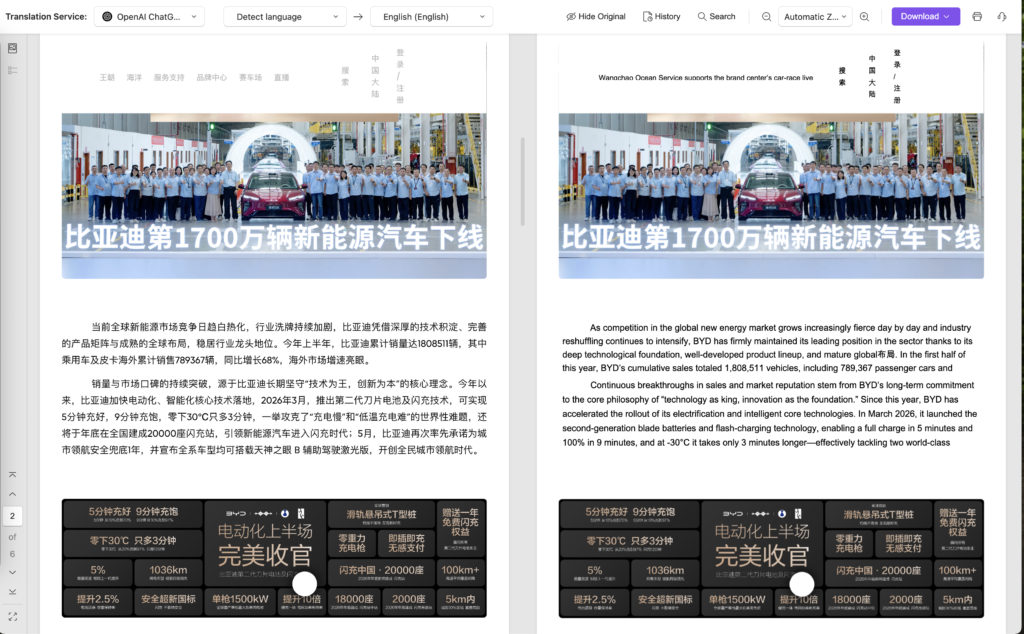
WPS Office’s parallel multilingual translation tool has particular relevance in Singapore and the wider region, where documents often travel across languages as readily as they travel across devices.
The feature can translate Word documents, PDFs and presentations while preserving their original formatting. Source and translated versions are displayed side by side, allowing users to compare both without constantly switching between windows.
Keeping both versions aligned should make reviewing multilingual contracts, reports and presentation material considerably more manageable. It also gives users a clearer way to spot mistranslations or awkward phrasing before the document is circulated.
As always, automated translation works best as an accelerator rather than an unquestioned authority. Specialised legal, technical or culturally sensitive material should still be reviewed by someone who understands both the language and its context.
AI Sheets Formulas
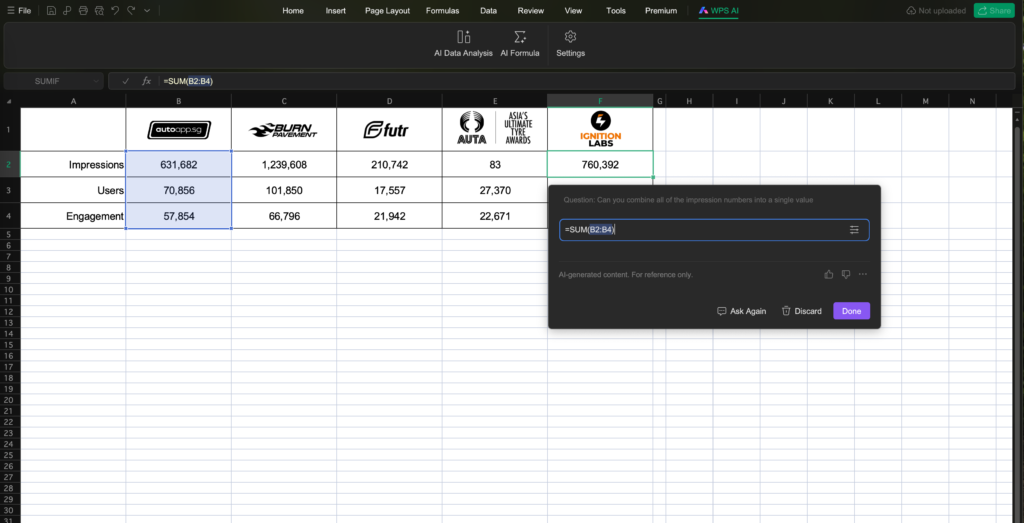
Spreadsheets have always been powerful, although they sometimes appear to communicate this through mild hostility. A misplaced bracket can derail a formula, while a large dataset has a remarkable ability to make otherwise competent adults stare into the middle distance. WPS AI Sheets attempts to make that environment more approachable by helping users generate formulas, examine information and identify trends through natural-language instructions.
For experienced spreadsheet users, this could reduce the time spent constructing repetitive or elaborate formulas. For less confident users, it may lower the barrier to extracting useful information from a table without first memorising the precise grammar of spreadsheet functions. Used that way, it can turn spreadsheets from a locked workshop into something closer to a guided one.
Summaries With A Click
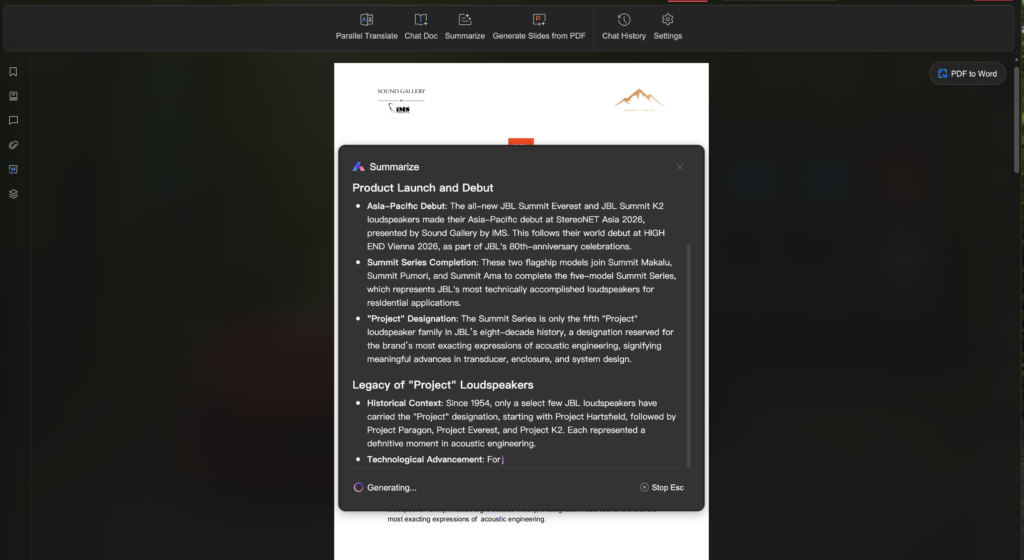
PDFs remain central to academic and professional life, but combing through long reports, research papers, and contracts can be tedious to find the answer you need.
WPS AI PDF is designed to summarise documents, answer questions and extract relevant information. Instead of reading a report linearly just to locate several key points, users can ask targeted questions and use the responses as a map through the material.
Work that follows you
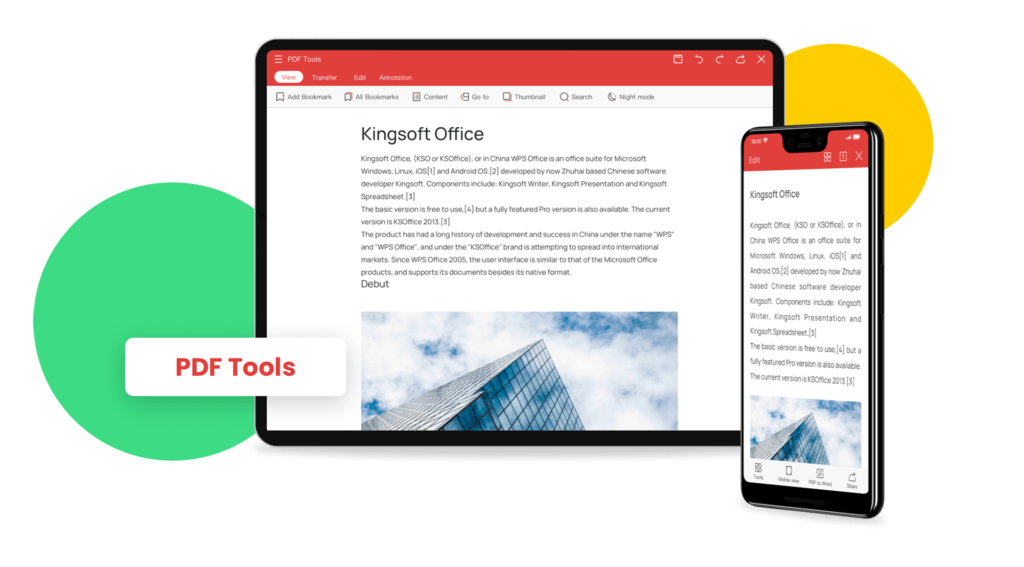
The other major part of WPS Office’s appeal is its cross-device continuity.
A document can be created on a computer, reviewed on a phone during a commute, annotated on a tablet and completed later on a desktop. Cloud synchronisation is meant to keep the latest copy available across platforms, reducing the need to email files to oneself or wonder which version is actually current.
WPS Office says user information is protected through bank-level encryption during transmission and storage. Plus, the standard version of WPS Office keeps its core productivity tools available free of charge.
For students and professionals seeking a more integrated alternative to the established office suites, WPS Office is worth considering. Its familiar foundation makes it easy to approach, while its embedded AI tools address real, everyday inefficiencies rather than existing merely as a chatbot attached to the side.
Liked this? Check out more articles on Futr tech here.