
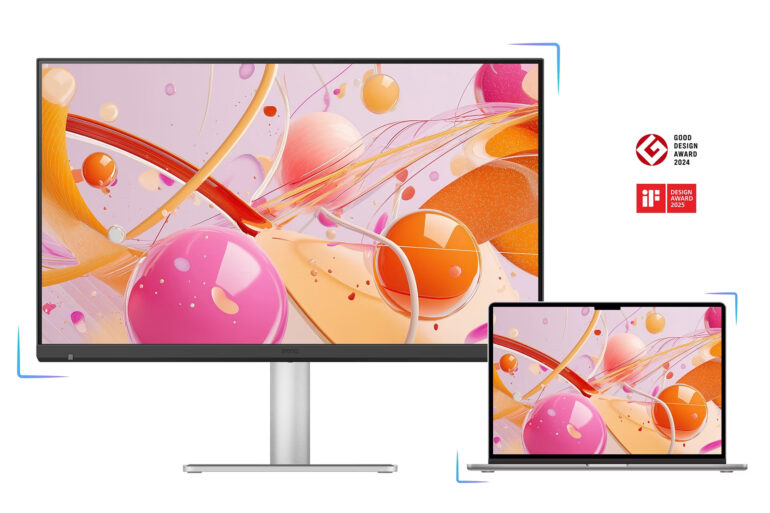
There are expectations that come with a large, expensive display. Folks want clarity that borders on indulgence, text that looks almost printed, and colours that feel as though they have been dialled in by someone with a painter’s eye.
For the longest time, that expectation has been monopolised by Apple Studio Display. But now, BenQ has stepped into the ring with something compelling: the MA270S.
If you have been following BenQ’s Mac-focused displays, this was expected. The MA270U and MA270UP were already strong contenders, but there was always that lingering question: “Why not 5K?”
For some, 4K is more than sufficient. For others, especially those entrenched in Apple’s ecosystem, anything less feels like settling. With the MA270S, that compromise disappears.
Familiar Design, Thoughtful Tweaks
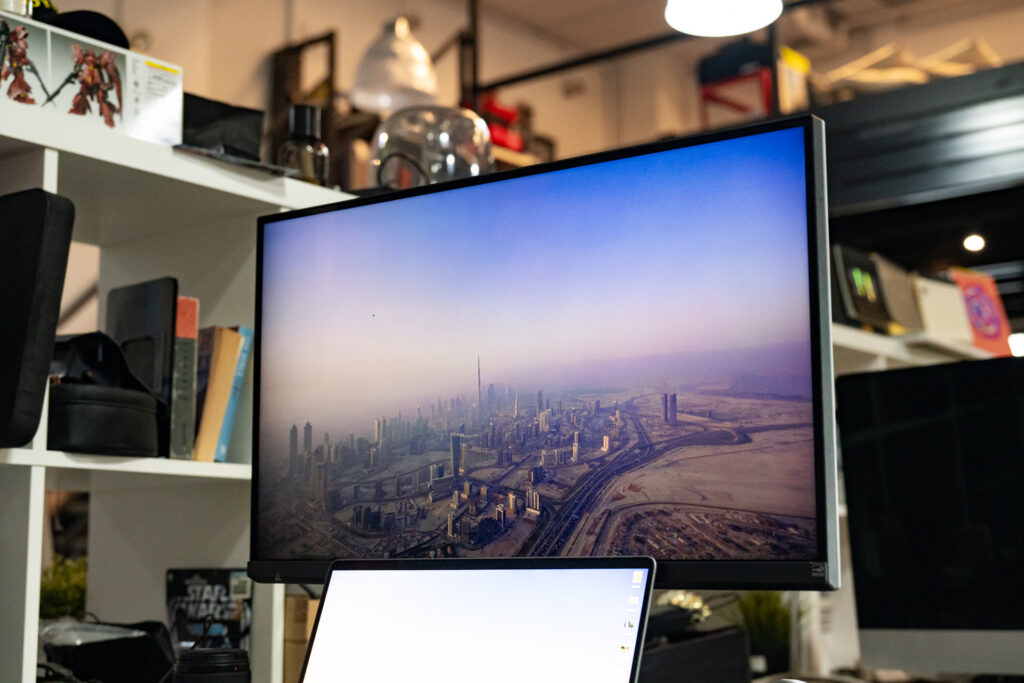
At first glance, the BenQ MA270S looks almost identical to its 4K siblings, with clean lines and bezels that are impressively slim at under 1mm.
But look a little closer, and you will notice a small, deliberate change. The Visual Optimiser Sensor has been repositioned to the lower left corner of the display. Yes, it breaks the symmetry ever so slightly, but not in a way that feels intrusive.
More importantly, it works. By sitting on the front, it reads ambient light more accurately, adjusting brightness in a way that aligns closely with what your eyes actually perceive.
Borrowing from the MA270UP, the MA270S uses BenQ’s Nano Gloss Panel, a glossy finish that leans into vibrancy and depth. Now, glossy screens can be divisive. Some swear by them for their punchy colours and inky blacks; others avoid them for fear of glare.
The MA270S strikes a comfortable balance. We did not encounter any meaningful glare or eye fatigue during extended use, which is often the Achilles’ heel of glossy displays. If anything, it feels closer to the experience of Apple’s own panels, giving the user rich, immersive colours.
Ports That Make Sense
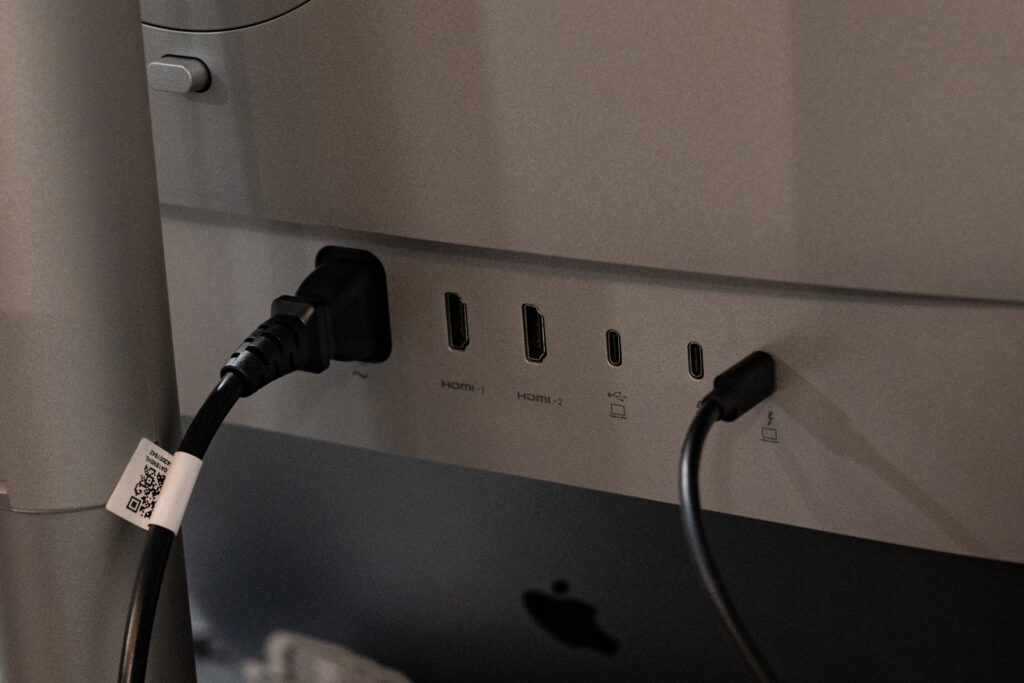
If there is one area where the MA270S quietly outclasses many competitors, it is connectivity. This is a hub in its own right, and a rather capable one at that.
You get a generous spread of ports, including HDMI, USB-C, and dual Thunderbolt 4 connections with varying levels of power delivery. This means your MacBook Pro can connect, charge, and expand its connectivity through a single cable, provided you are using USB-C or Thunderbolt.
Connect via HDMI, and you lose charging functionality. It is not a flaw, but rather a limitation of the standard itself.
In day-to-day use, switching between connection types was seamless. There is a reassuring sense that this display will simply fit into your workflow, rather than demand that you adapt to it.
Image Quality: Where It Truly Counts
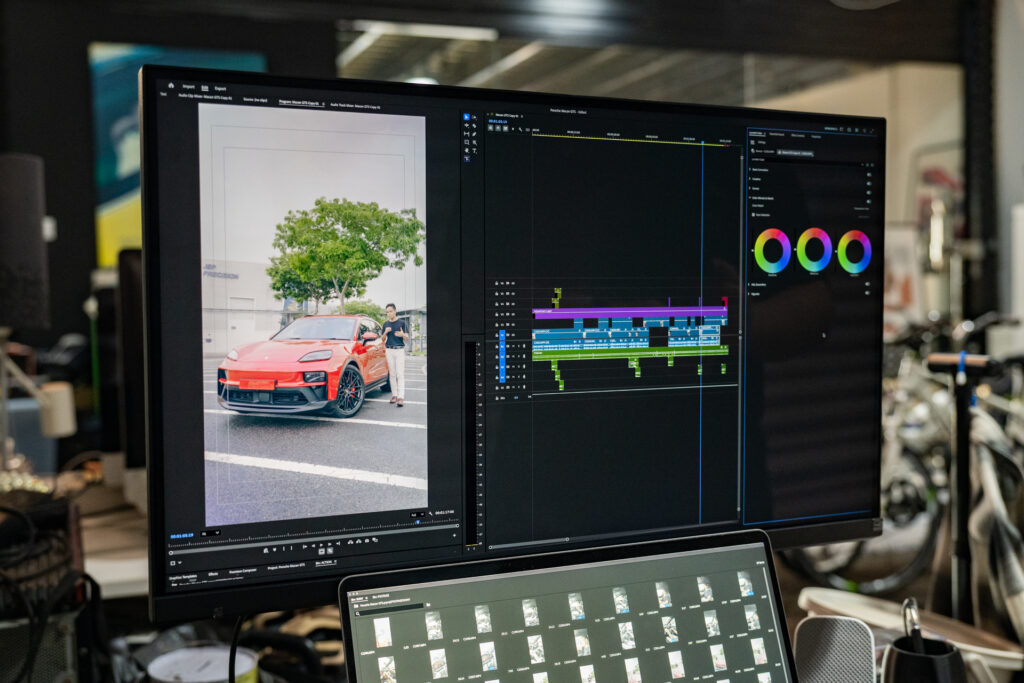
Let us address the question that matters most: Does it deliver?
Switching from a traditional iMac setup to the MA270S was immediately revealing. Blacks appear deeper, colours carry more weight, and text sharpness reaches that elusive “retina-like” clarity that Mac users tend to chase.
Is it identical to the Studio Display? That depends on how critical your eye is. For most users, the differences (if any) are subtle enough to be negligible. And for those who do pixel-peep, the MA270S holds its ground admirably.
The 70Hz refresh rate also conveniently edges out the Studio Display’s 60Hz. You might notice slightly smoother scrolling if you are paying attention, but otherwise it is just one of those details that quietly tips the scales in BenQ’s favour.
Price: The Elephant in the Room
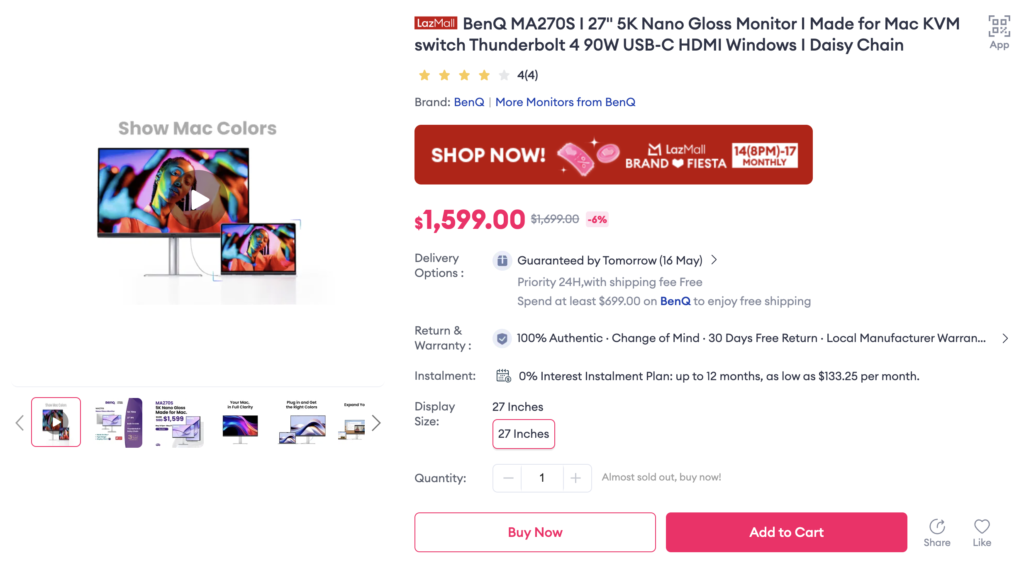
At around SGD$1,599, the MA270S undercuts the Studio Display by a considerable margin. And that is before you factor in Apple’s somewhat… enthusiastic pricing for accessories.
Plus, the BenQ arrives fully equipped. It tilts, swivels, and even pivots 90 degrees straight out of the box.
Now, you do give up a few things. There is no built-in webcam, and you will not find Spatial Audio speakers here. But the question becomes: How much do those features really matter to you?
Because for the price of one fully-specced Studio Display, you could quite literally have two MA270S units.
So, Should You Buy It?
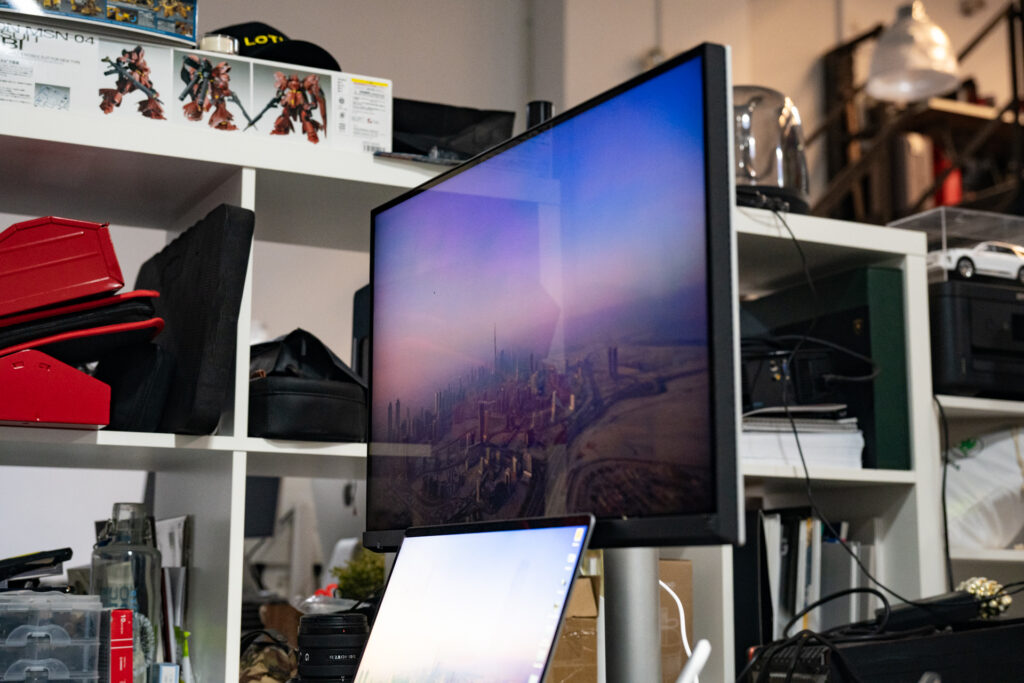
If you have been waiting for a 27-inch 5K display that does not come with Apple’s pricing baggage, the BenQ MA270S feels like the answer you have been hoping for.
It delivers where it matters most while sidestepping the usual compromises. Yes, the Apple Studio Display (2nd generation) offers refinements like Thunderbolt 5 and an improved camera, but these feel like wants rather than must-have features.
Do you really need a built-in webcam badly enough to pay nearly double? For most users, the answer will be no.
Liked this? Check out more articles on Futr tech here.