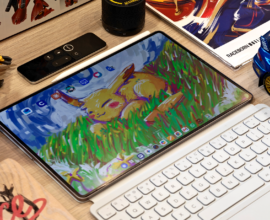
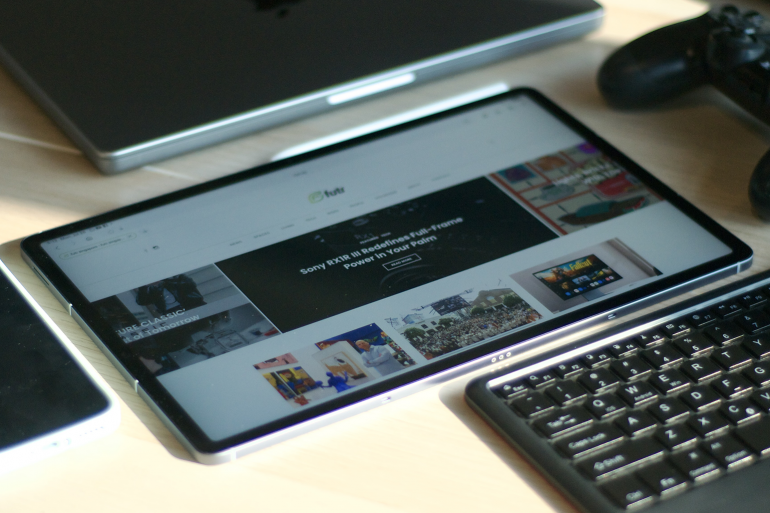
I’ve been using iPads since they were first released in 2010 and haven’t ventured out into the Android alternatives until now. Over the last couple of months, I tried out the Samsung Galaxy Tab S10 FE+, and it seems that I have been missing out.
The Samsung Galaxy Tab S10 FE+ is the latest “Fan Edition” in Samsung’s wide range of tablets. The review unit I’m using comes with the Samsung Exynos 1580 processor, 12GB of memory, 256GB of storage, a large 13.1-inch 16:10 LCD, and something the new Galaxy Fold 7 doesn’t have: a bundled S Pen.
This mid-range FE sits between the powerful Galaxy Tab S series and the more budget-friendly Tab A series. It is designed to strike a balance between price and performance, and for the most part, it delivers. However, it is also quite clear where compromises were made.
Let’s start with the buts
I do a lot of digital illustration and creative work, so I’m a bit particular about displays. The Samsung Galaxy Tab S10 FE+ LCD is generally good for this use, but I noticed that the edges of the screen, especially the shorter sides, appear slightly darker. This creates a subtle vignette effect.
I first noticed it when I opened a blank white canvas in the built-in Penup app. It was surprising to see on a tablet like this, but I eventually got used to it.
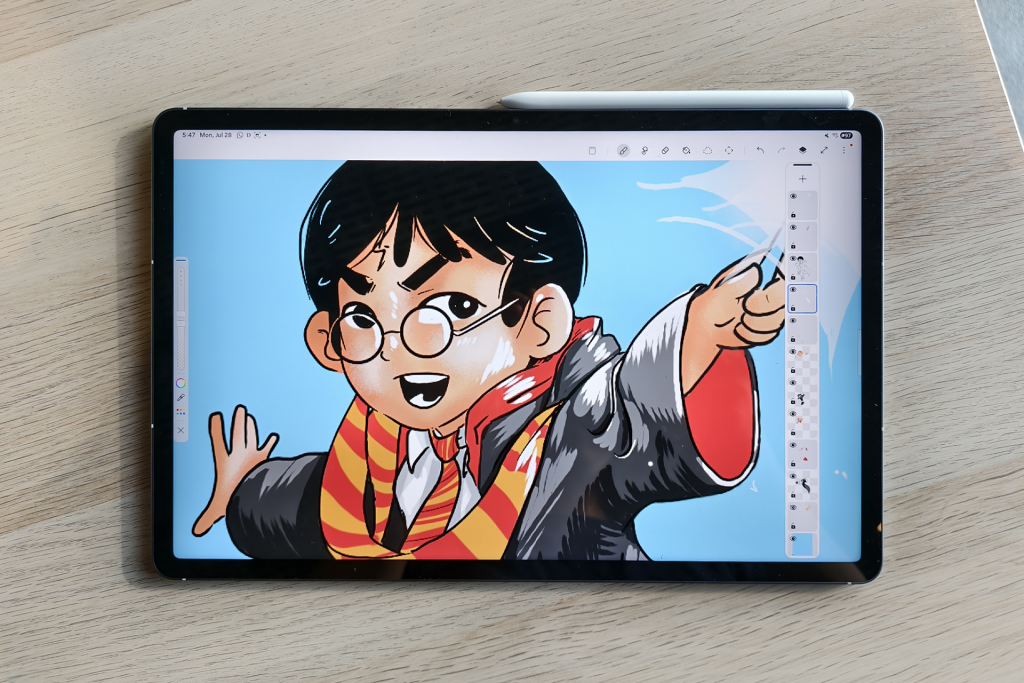
The processor is strong enough for everyday tasks, such as watching videos, browsing the web, writing emails, and other general uses. The tablet goes through those things without any hiccups, but that’s applicable only if the app being used is optimised for big screens.
For example, the Facebook app opens to full-screen portrait orientation when in tablet mode. This is disappointing because the iPad version has had landscape for a very long time.
It’s perfect for playing casual games like Pokémon TCG Pocket or Hades, but it struggles with playing more demanding games like Genshin Impact, where it defaults to the lowest possible settings. Changing it to medium setting overclocks the tablet, so I left it at low settings for this game.
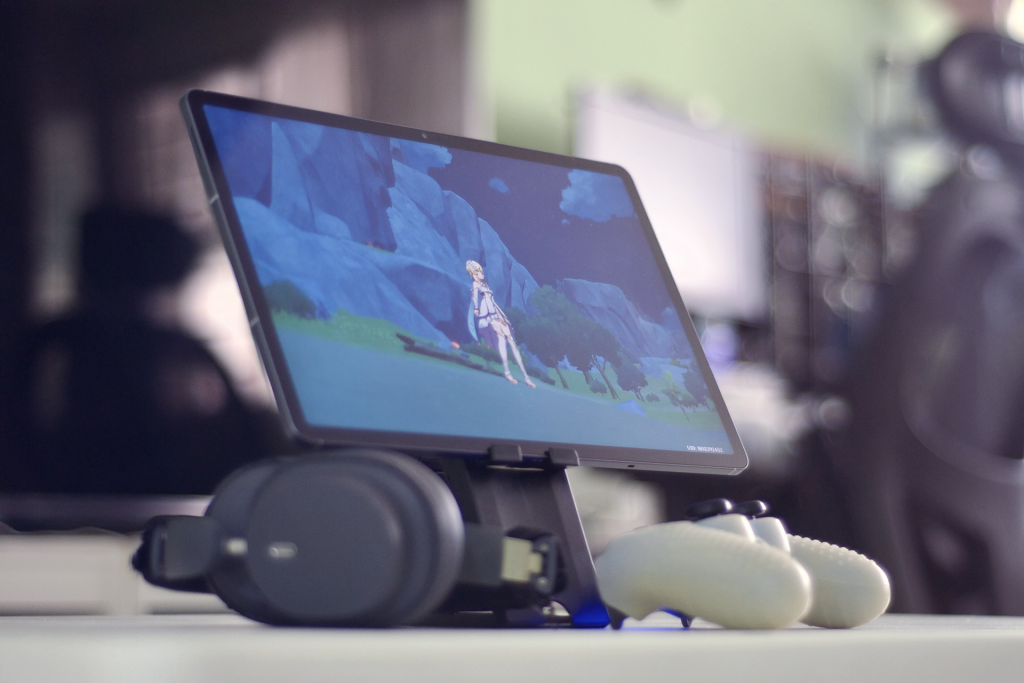
I also tested Diablo Immortal, which ran fine on custom high settings. Unfortunately, the game is capped at 30fps and does not support 60fps, which makes the tablet’s 90Hz screen feel underutilised.
I was hoping to connect the tablet to a larger monitor for Samsung DeX, but the Samsung Galaxy Tab S10 FE+ does not support wired video output. It can be connected to monitors or TVs wirelessly, which is what I eventually did, but the input lag was too significant, so I gave up on that very quickly.
Now, let’s move on to what this tablet does well.
First, the 16:10 aspect ratio is excellent for media consumption. I still believe iPads are better suited for older 4:3 content, but they are less ideal for watching widescreen movies. The Galaxy Tab S10 FE+ fills this need, offering a crisp and immersive viewing experience.
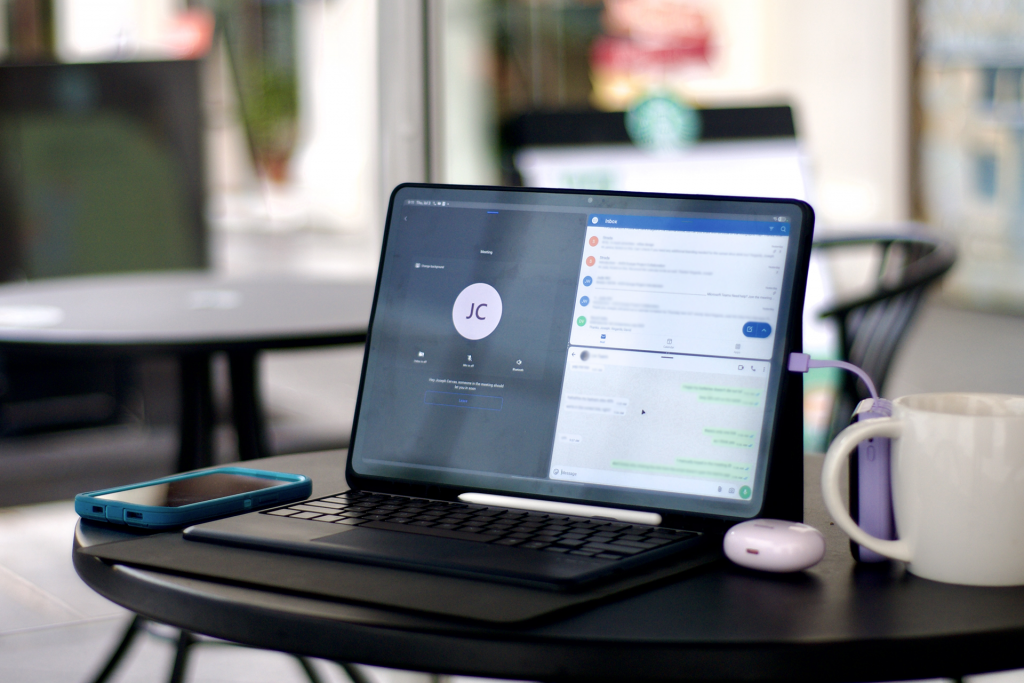
That same screen ratio also enhances the multitasking experience. The Galaxy Tab S10 FE+ has roughly the same screen size as my 13-inch iPad Pro, but the wider layout makes it much easier to view two apps side by side.
On that note, I recommend using a wireless keyboard, so the on-screen keyboard does not take up half the display while you are typing. My review unit didn’t come with the Book Cover Keyboard, but connecting it to a 3rd party keyboard works too.
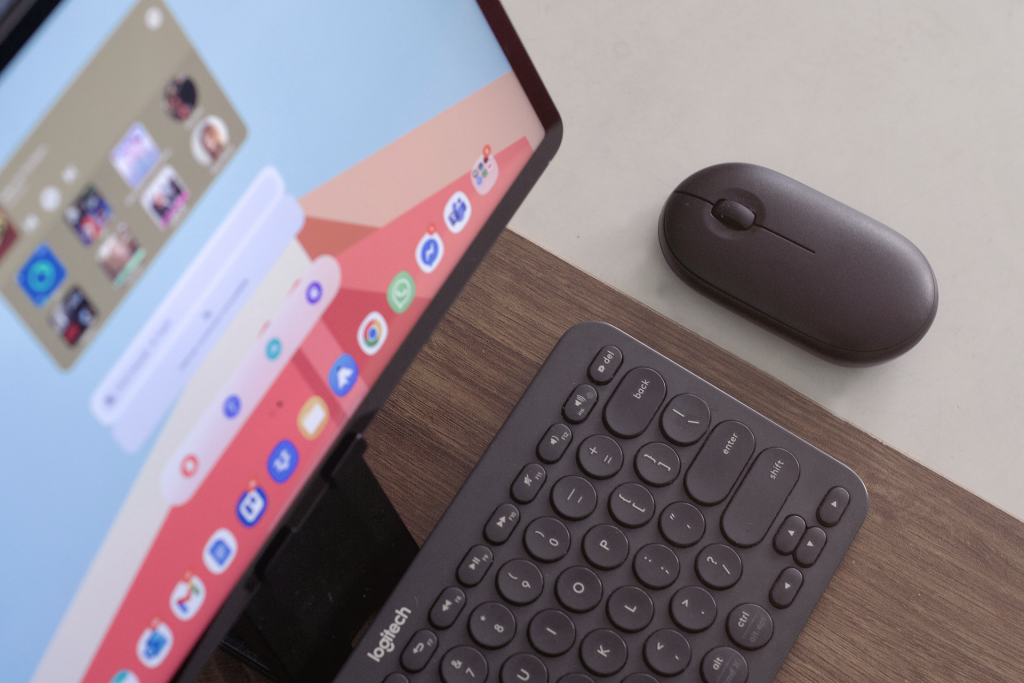
The tablet is large, but surprisingly light. I can hold it above my head in bed at night without any discomfort. Adding a case will increase the weight, so I keep that as an optional accessory.
The battery life is excellent. I’ve been charging it every couple of days or so after heavy use. My typical usage includes daily emails, WhatsApp (having native WhatsApp support on a tablet is a game-changer), video streaming, and a couple of hours of Diablo Immortal at night.
The tablet supports Wi-Fi 6. Most of what I do with the tablet depends on internet access, and the fast connection makes everything smoother. Videos load quickly, files download in seconds, and game loading times are relatively short.
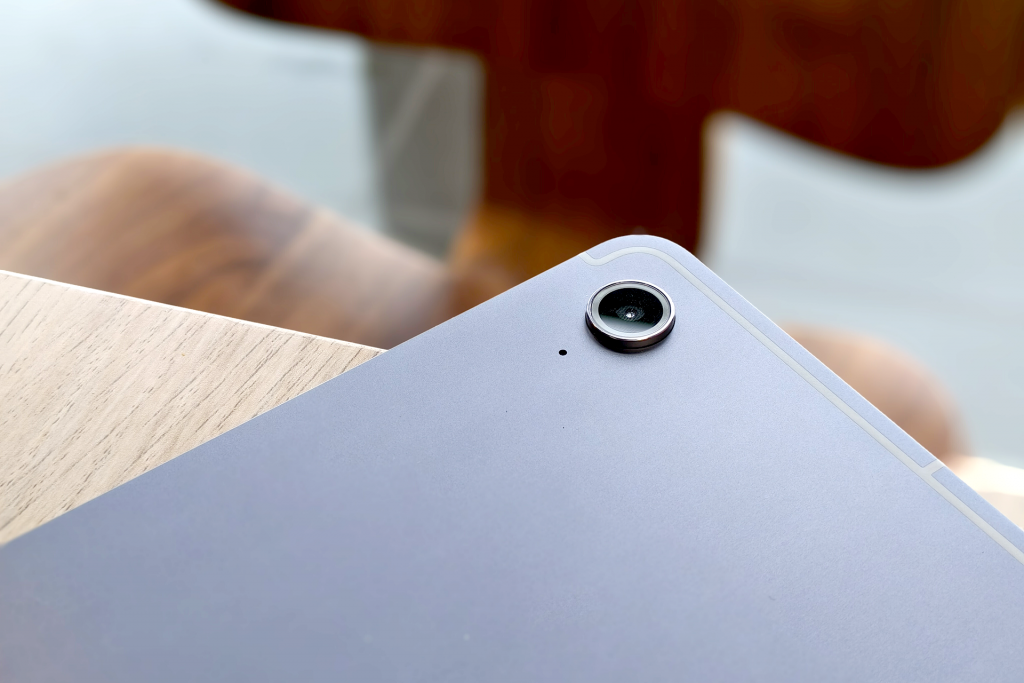
The cameras are decent. They won’t replace your flagship smartphones or mirrorless cameras, but they work well enough for quick snapshots when the lighting is good. In low light, though, images can get quite grainy.
Out of curiosity, I also tried AI photo cleanup with my photos. This is one of the few baked-in AI features of the tablet. It is convenient since it is built in, but there is still room for improvement in terms of accuracy and overall quality.
On the topic of AI, Bixby and Gemini are both available out of the box. My daughter has been using the latter to study Chinese during her free time.
Some things to note
The S10 FE+ does include an S Pen right out of the box. It is not the S Pen Pro, but a free stylus is still better than spending S$119 on a USB-C Apple Pencil. The stylus is small, shaped like a regular pencil, and comfortable enough for quick note-taking.
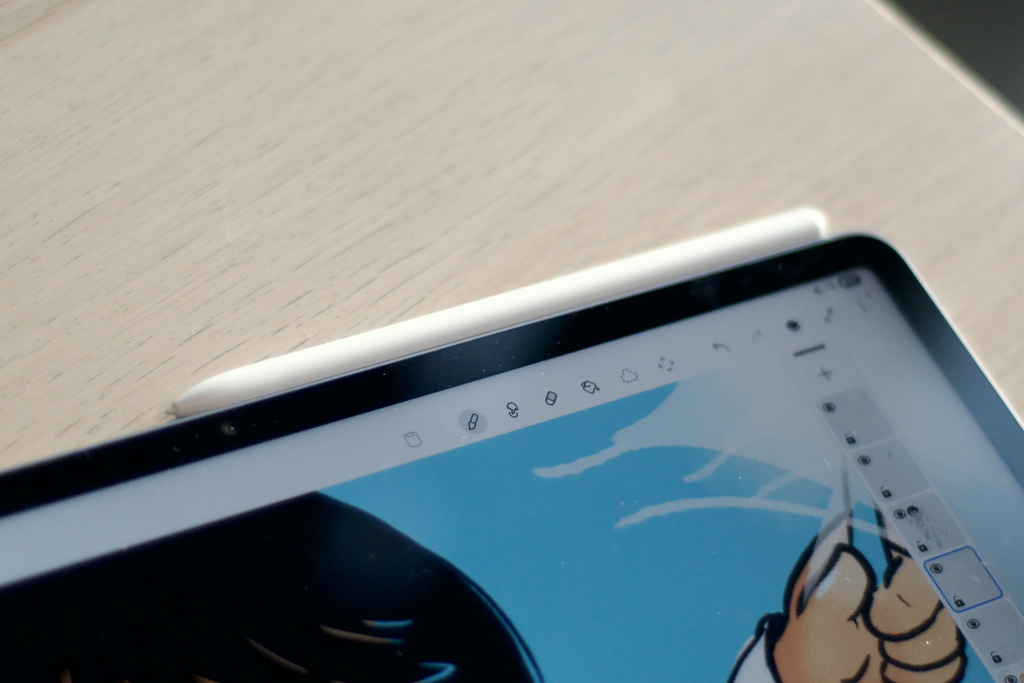
The S Pen paired with the 90Hz display makes writing on the tablet an enjoyable experience. I’ve written more with the S Pen in these two months than I have on paper in the last two years.
This also helps to highlight the Notes app, which has become the centre of my note-taking journey with the Samsung Galaxy Tab S10 FE+. Using the Notes app with the S Pen in One UI feels seamless, and it works effortlessly with other Samsung apps, too.
That said, I think I still prefer the hard tip of the Apple Pencil over the S Pen’s rubber tip for digital illustration. That comes down to preference, as a colleague of mine who owns a Samsung Galaxy S9 tablet prefers the rubber tip.
Let’s recap:
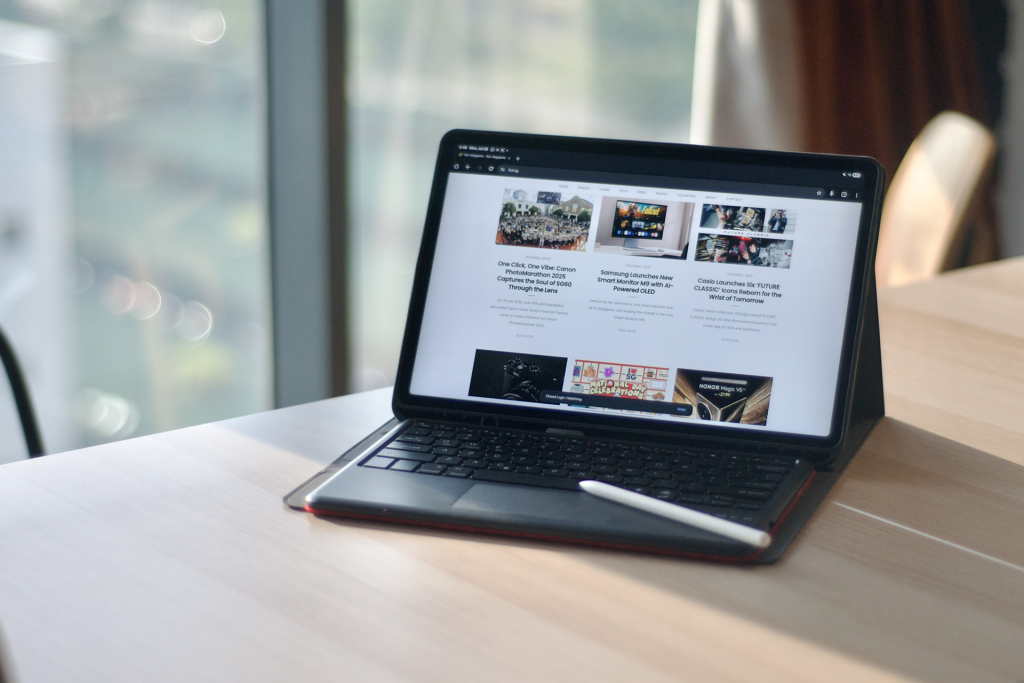
The Samsung Galaxy Tab S10 FE+ is a fun tablet that strives to strike a balance between value and performance.
What you get is a nice, capable, mid-range tablet that’s immersive, encourages you to write more, and be more productive, all without breaking the bank, making it a solid alternative to anyone considering an iPad as their next upgrade.
Liked this? Check out more articles on Futr tech here.