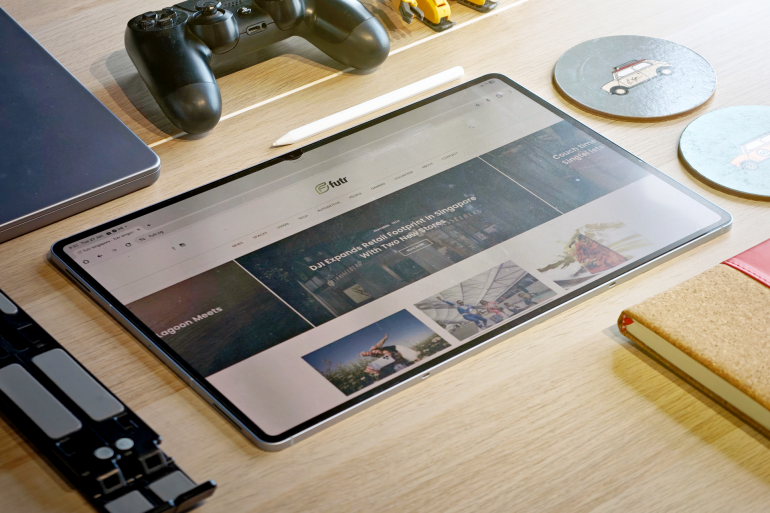
I replaced my 13” M3 iPad Air with the Samsung Galaxy Tab S11 Ultra and was genuinely surprised with the entire experience.
For a bit of context: I’m a long time iPad enthusiast and have been using the biggest iPads available paired with their respective Apple Pencils. I maximise the tablet’s use with the usual productivity tools, but mainly use it for media consumption and creating illustrations.
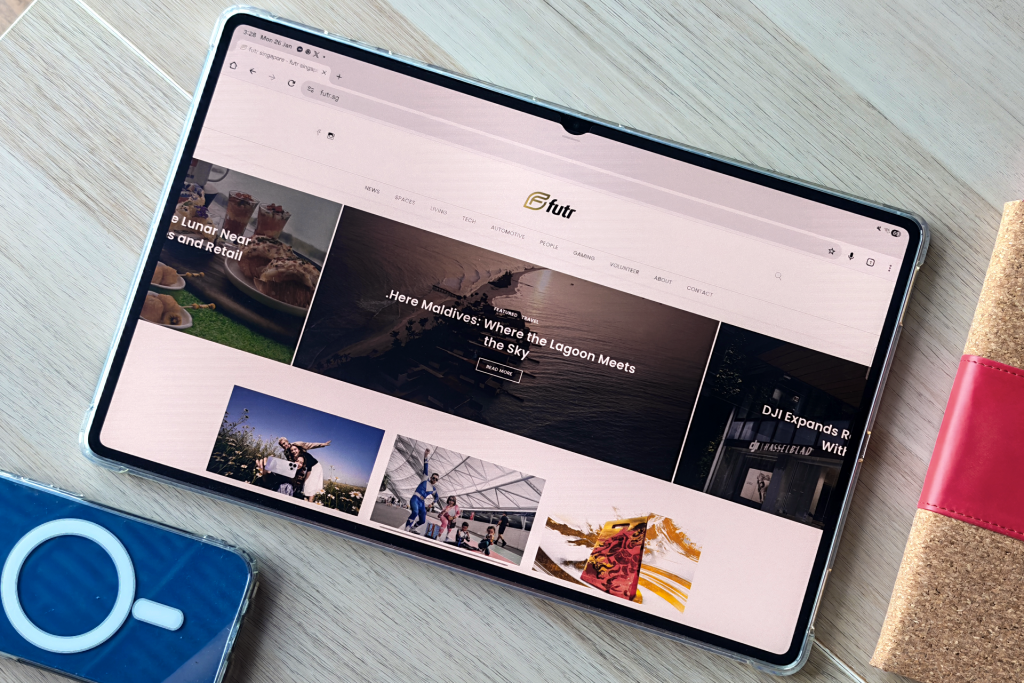
I was handed the Samsung Galaxy Tab S11 Ultra a few months ago, and after a surprisingly short iPad OS to Android OS transition, have never touched my iPad again since. Let me break down the reasons:
The screen.
The Samsung Galaxy Tab S11 Ultra features a 14.7” Dynamic Amoled 2X display with a resolution of 2960 x 1848. It’s glorious.
The colours are comparable to the iPad Pro’s Tandem OLEDs, with its deep blacks and vibrant colours. What makes the S11 Ultra special is its 16:10 aspect ratio, making it perfect for wide screen media consumption.
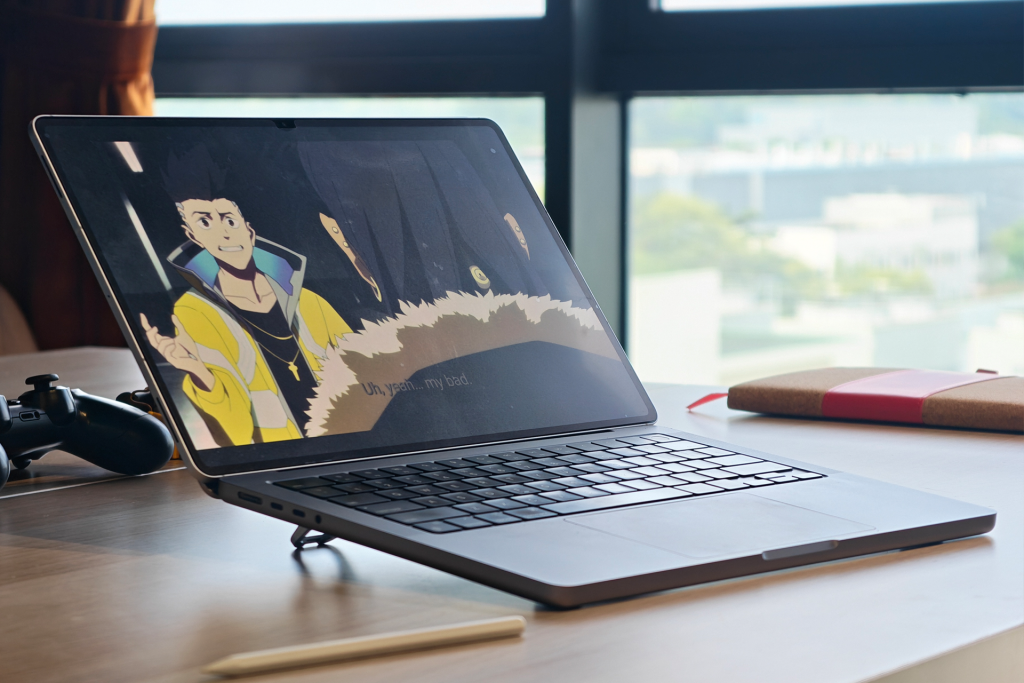
This has been my default gadget for watching shows. I’ve been enjoying Cyberpunk: Edge Runners and Jujutsu Kaisen season 3 from Netflix. Apple TV is now available for Android, so I guess I’ll continue my watch of Brad Pitt’s F1 there too.
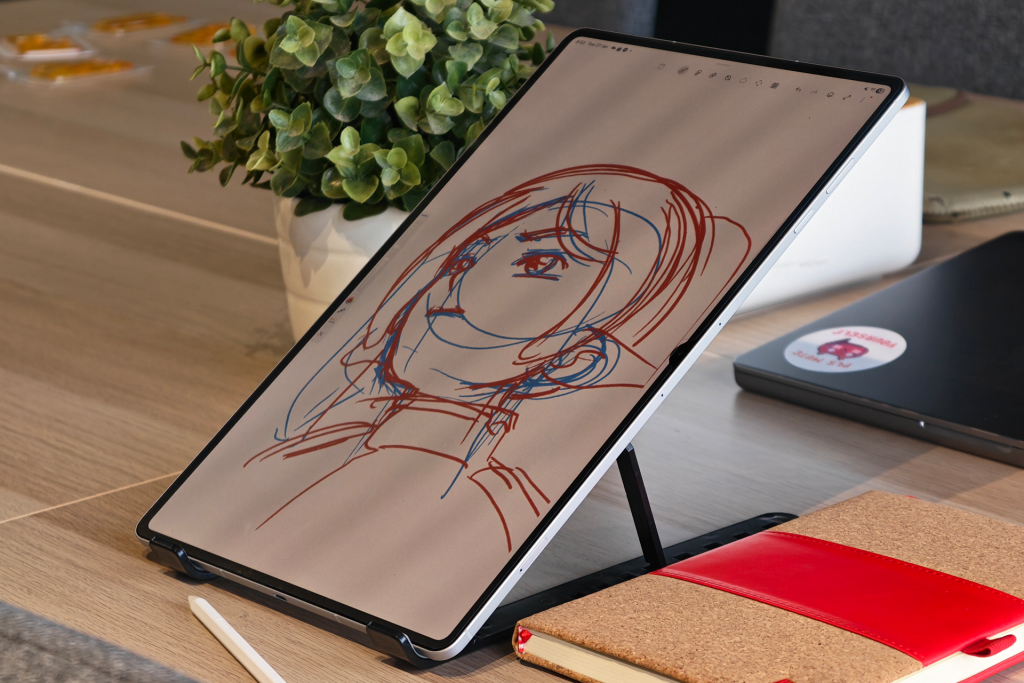
The big display also makes illustrating very convenient and accessible, especially when you factor in the S Pen that the tablet comes with straight out of the box.
The Galaxy Tab S11 Series S Pen.
I’ve always held the Apple Pencil to a high standard when it comes to tablet peripherals, and the new S11 series S Pen makes a very compelling argument for being its equal.
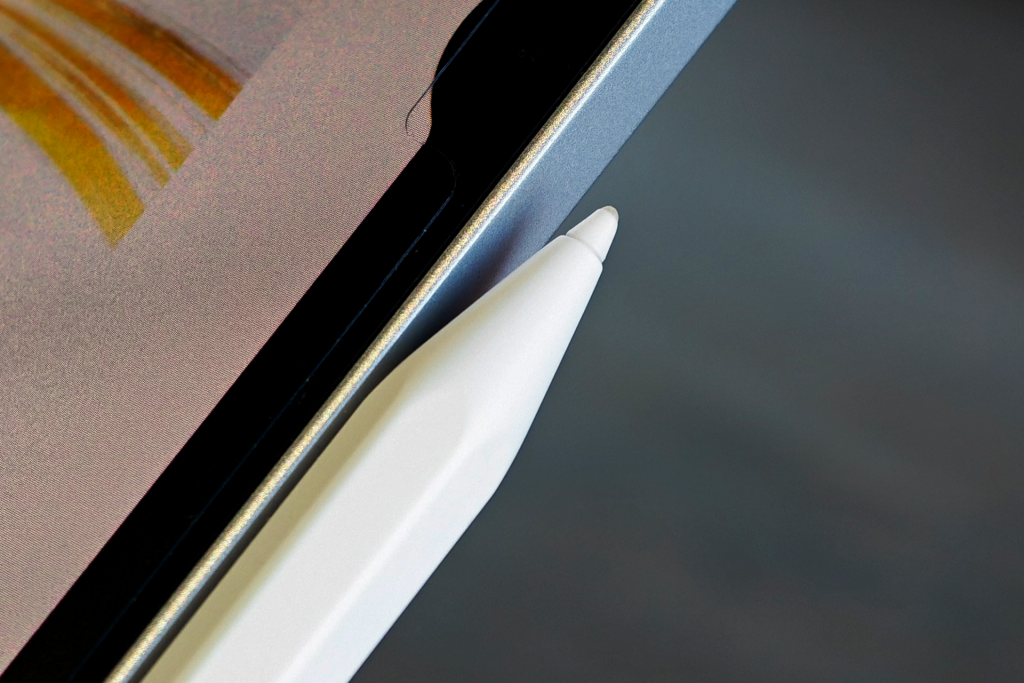
Holding and using it feels very natural with its hexagonal shape. It’s modeled after a classic pencil like all styli should, and features a hard nib similar to the Apple pencil. This nib also feels much better to use than the one that came with the Samsung Galaxy Tab S10 FE+ that had a softer, rubbery tip.
When the app supports it, the S Pen also gets extra features. Tapping on the S Pen brings out a few options on the screen, depending on the app. I’ve found this as a very convenient feature while illustrating in PENUP. The S Pen especially feels like it’s on steroids with Notes. I’ve been carrying the tablet for meetings instead of the usual Macbook Pro because of this.
That, and, it’s surprisingly light.
The ergonomics.
Despite its massive screen size, the Samsung Galaxy Tab S11 Ultra is very easy to handle with its 5.1mm profile and 695g weight. Even adding a case (and screen protector) didn’t change much to the overall handling experience.
The tablet was almost always with me: in the office for meetings and creative work, at home for illustrations and media consumption, at the cafe for impromptu productivity tasks. I even brought it along country hopping during the holidays and it fulfilled even more of my demands.
The 256GB storage was more than enough to download all my shows for offline watching on the plane. It has WIFI 7 so loading emails and presentation decks for work still felt seamless. The AMOLED screen gave me one of the best experiences with editing photos during my trip. All this, and I didn’t even need to worry about battery life.
Plus, gaming.
The Mediatek Dimensity 9400+ chip of the Samsung Galaxy Tab S11 Ultra makes gaming more fun. It runs all of my usual games without a hitch and in high settings in most cases.
Diablo Immortal, Persona 5 X, and Genshin Impact all run smoothly. I never imagined I would find myself playing Red Dead Redemption on a tablet on a plane. I paired it with a dualshock controller (my dualsense ones have been commandeered by my kids) to complete my console-like experience.
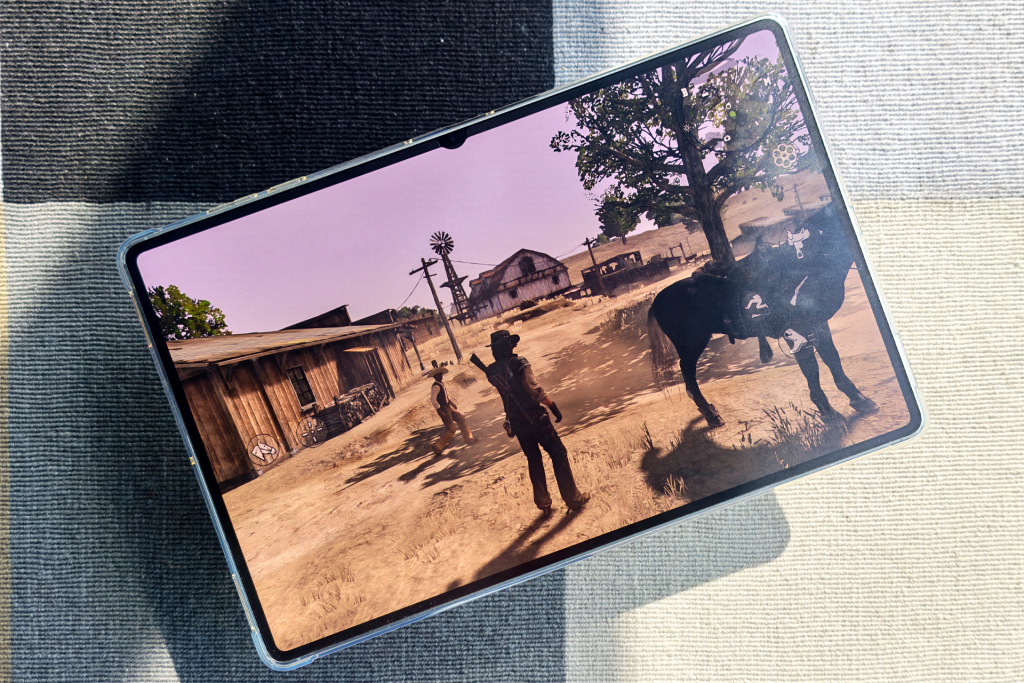
This also brings me to another point that’s been on my mind a lot lately: I want a Nintendo Switch 2, but do I actually need it? This may sound random but it does make sense because the tablet has:
Samsung Dex.
You see, like the Nintendo Switch 2, I can play games on the go, or I can plug the Samsung Galaxy Tab S11 Ultra to a 4K monitor and continue my games there. The tablet doesn’t come with a dock, but that’s an easy fix with a USB type C to HDMI adapter.
People may argue that game selection is limited, but most of the ones I want are either already available or there’s an Android alternative. Popular IPs have been making their way to mobile gaming in the past few years. Apart from the ones I’ve mentioned earlier, Super Mario, Final Fantasy, Call of Duty and more are already on the Play Store. Also, the best version of Chrono Trigger is on mobile.
Unlike the Nintendo Switch 2, I can use the Samsung Galaxy Tab S11 Ultra for productivity with Samsung Dex. While the display itself is big enough to comfortably work with, I usually connect it to my 27” monitor at home. I usually have multiple apps and tabs open while working, so having the option to extend my workspace to a second screen is something I take advantage of whenever possible.
You will need to connect a keyboard and mouse for the full experience though. You can use the tablet as a trackpad but I’ve always found it hilarious because of the size of the thing.
The UX/UI feels familiar, easy to use, and provides an almost desktop-like experience that I’ve found myself reaching for my Macbook Pro only when I need to access Adobe apps.
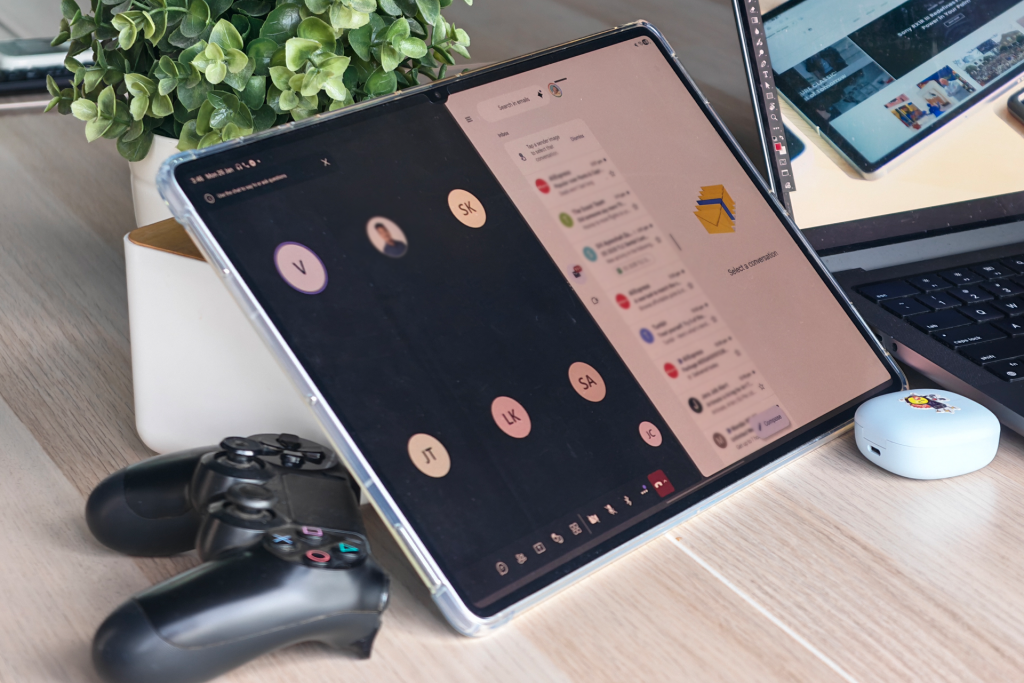
Speaking of user experience, I’d like to commend how well Samsung integrated AI in the OS.
The AI is OK.
AI integration has been the big push for a lot of products last year, and the Samsung Galaxy Tab S11 Ultra is no exception. Even the promotional video focused more on that than the actual hardware.
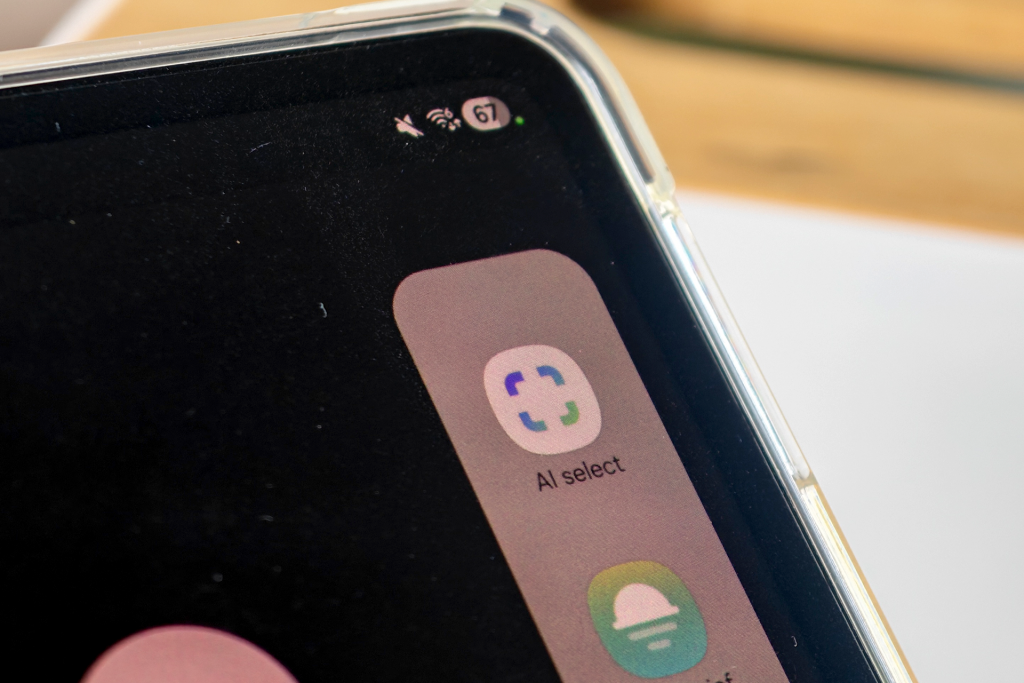
I don’t fully utilise all the available AI features, and I do appreciate how subtle and non-intrusive these features are. For my use case, the AI features just fade into the background when I’m focused on something, but are still accessible when needed. This is in contrast with a few other AI-enabled tech I’ve reviewed that pushes the AI features by default.
So, what’s not OK?
It does seem like I’ve been singing nothing but praises for the Samsung Galaxy Tab S11 Ultra, and that’s because it checked almost all of my boxes for a tablet, save for a few things that I do consider minor inconveniences.
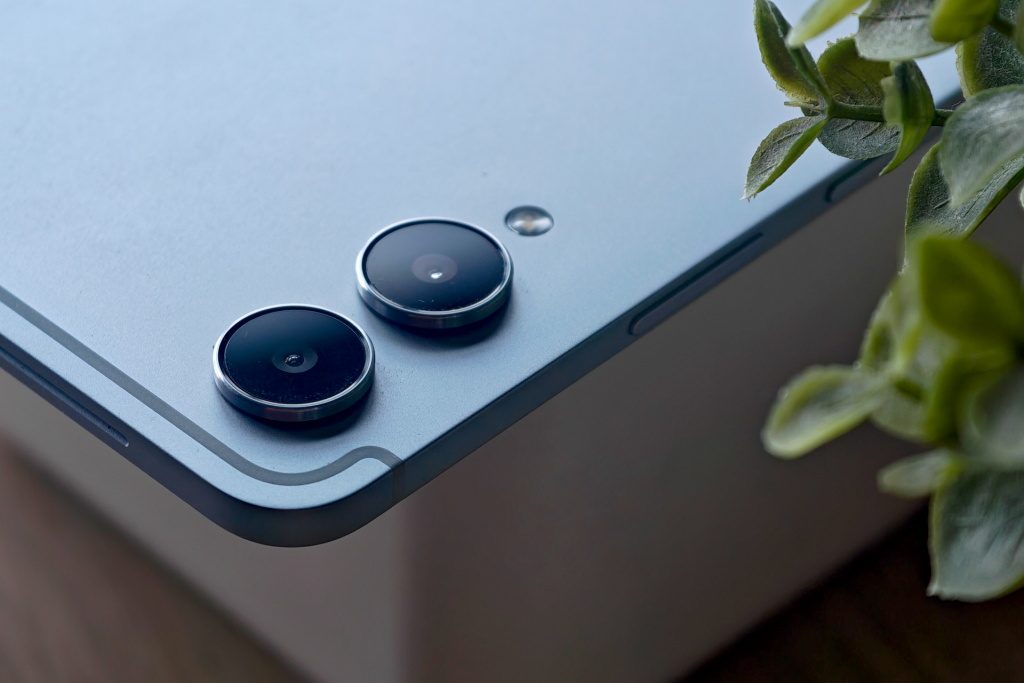
The rear 13MP + 8MP combo feels quite dated and struggles with low light photography. I guess it’s more useful to take photos of documents and such.
The facial recognition works less than half of the time. I’m not sure if I registered my face wrongly, if it’s a hardware issue, or if the issue is my face. Pin code exists so I’m fine with it though.
There’s no charging brick in the box. This may sound controversial to some people considering the high price at S$1,598 but I’m fine without it. I’d rather have the S Pen.
Final thoughts.
The Samsung Galaxy Tab S11 Ultra is one of the best options out there for tablet power users. It’s a good alternative to the iPad Pro as it offers premium hardware and equally premium performance. It’s priced competitively against the iPad Pro, and comes with the S Pen right out of the box, giving it better value.
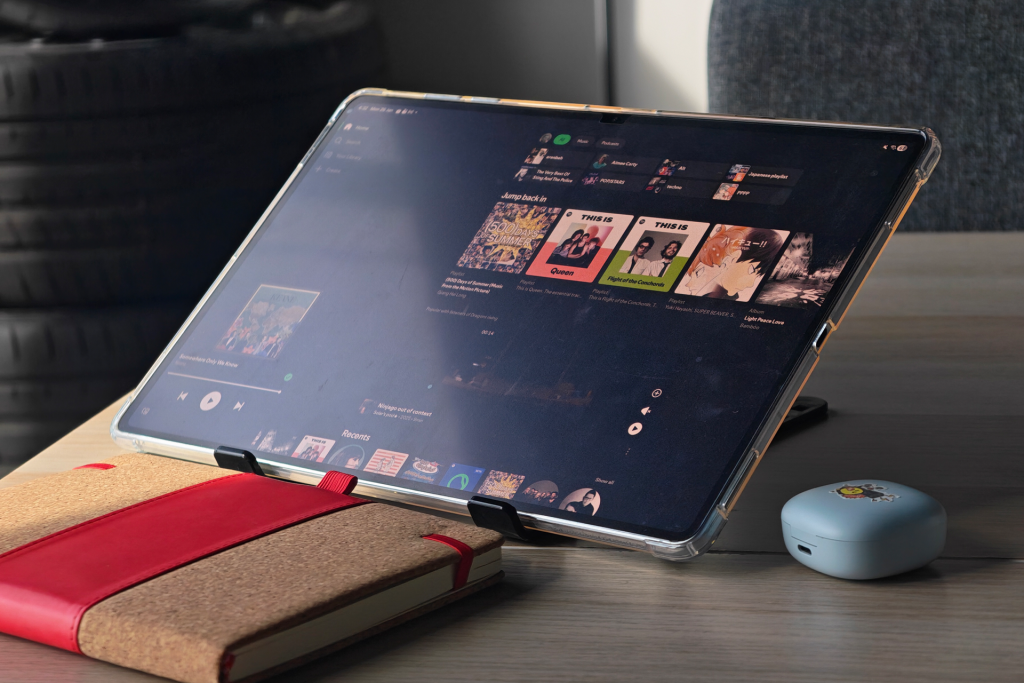
The display size may be polarizing, as some may feel that a 14” tablet is too big to be carrying around. I do think this is a matter of preference. Some people may prefer a smaller size if they value portability. The smaller Galaxy Tab S11 may be a better option for them. As an artist, I personally appreciate the size because it gives me a bigger canvas to work on.
I don’t think I’ll be missing my iPad anytime soon.
Liked this? Check out more articles on Futr tech here.